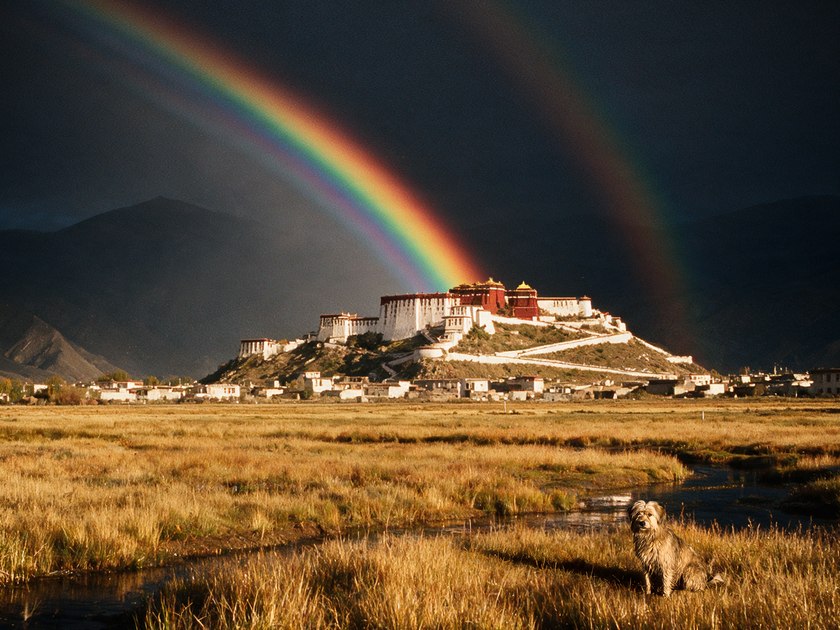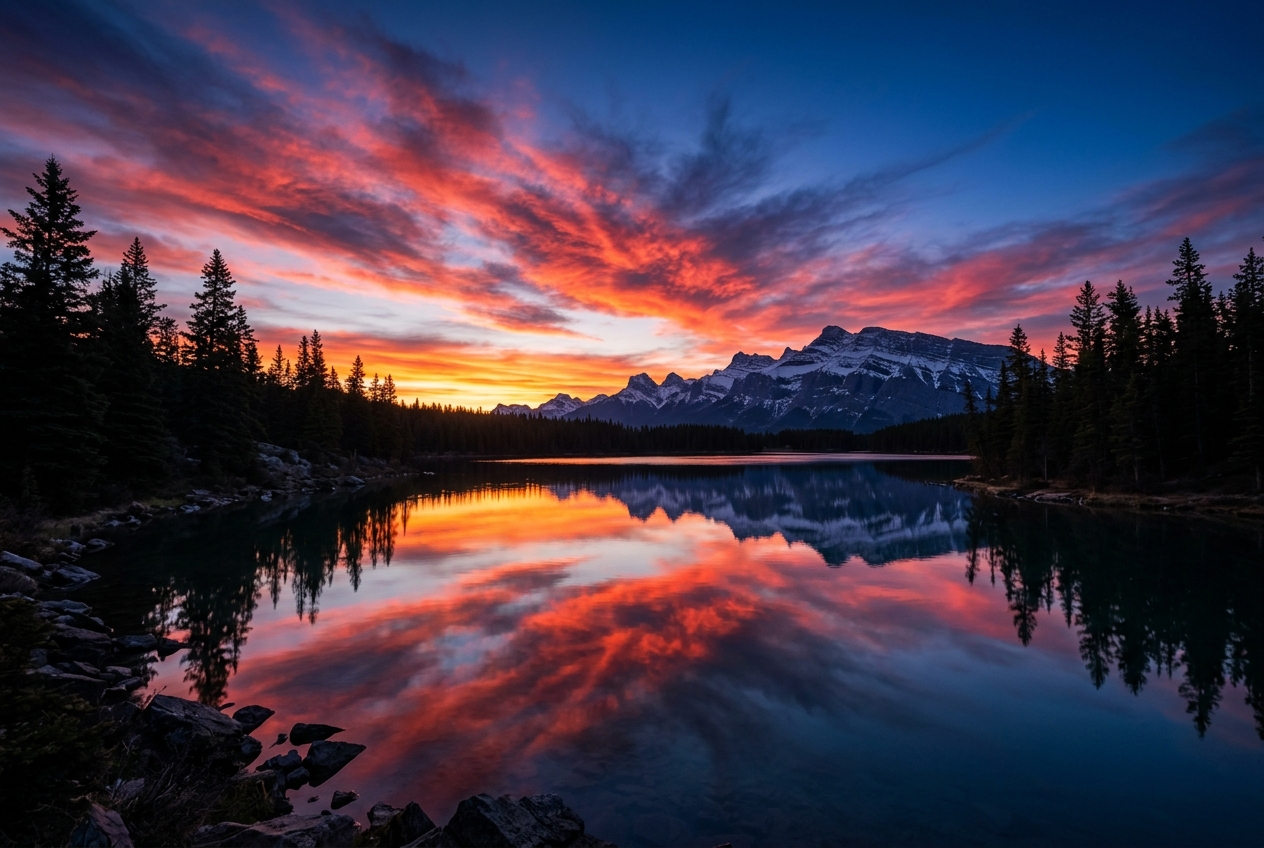
The first decision is where.
Explore viewpoints and photo hotspots. Save a spot, set its viewing direction and start with a place that means something to you.
Explore the app ↗
Know the sky. Find your frame.
Weather intelligence for the photographs
you haven’t taken yet.
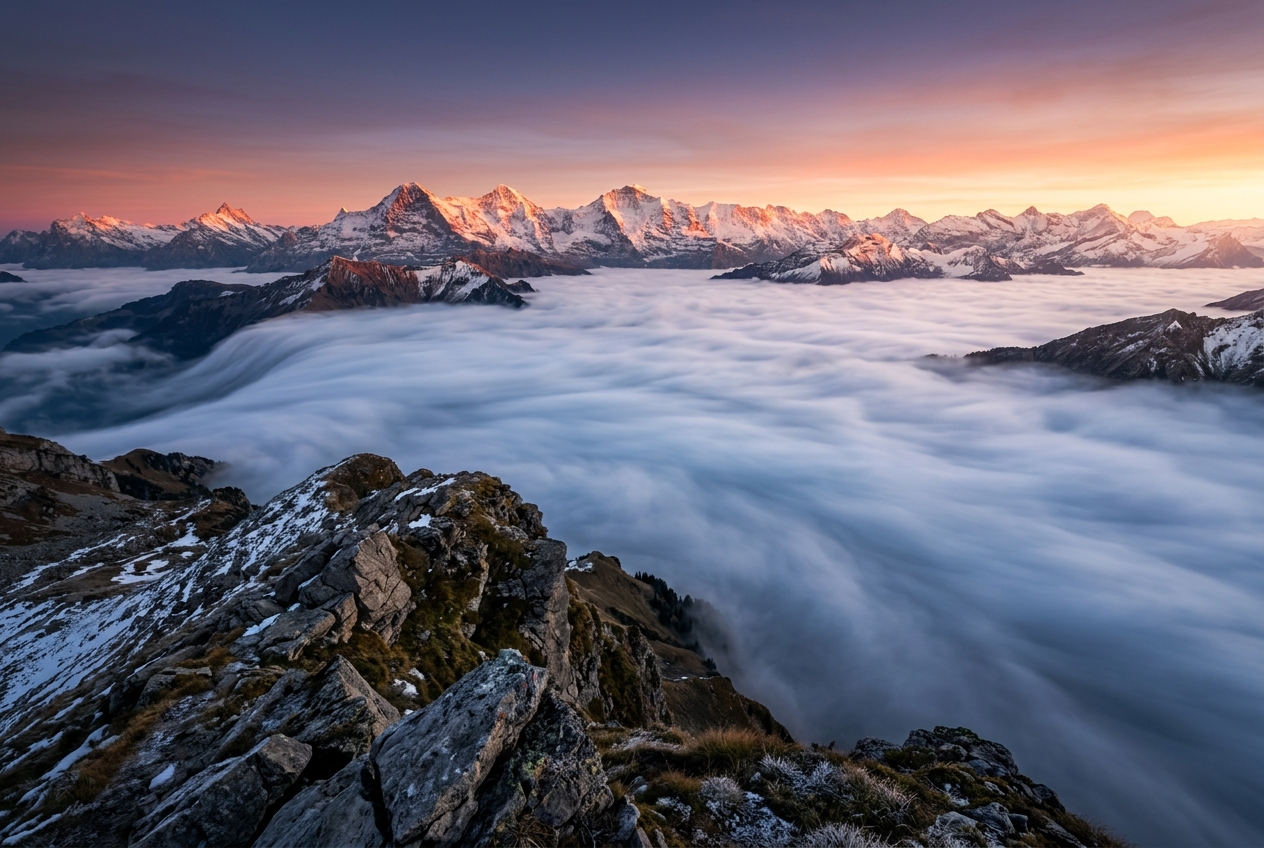
Fog settling into a valley. The last glow after sunset. A moon rising exactly where you imagined it.
Inverza brings weather, terrain and celestial paths together, so you can recognise a promising moment and plan a way to be there.
Discover what’s possible ↗Browse OSM viewpoints, Flickr hotspots, or save your own favorite locations on the interactive map.
Condition badges instantly show when golden hour, fog, or dramatic skies are forecast. Tap any badge for details.
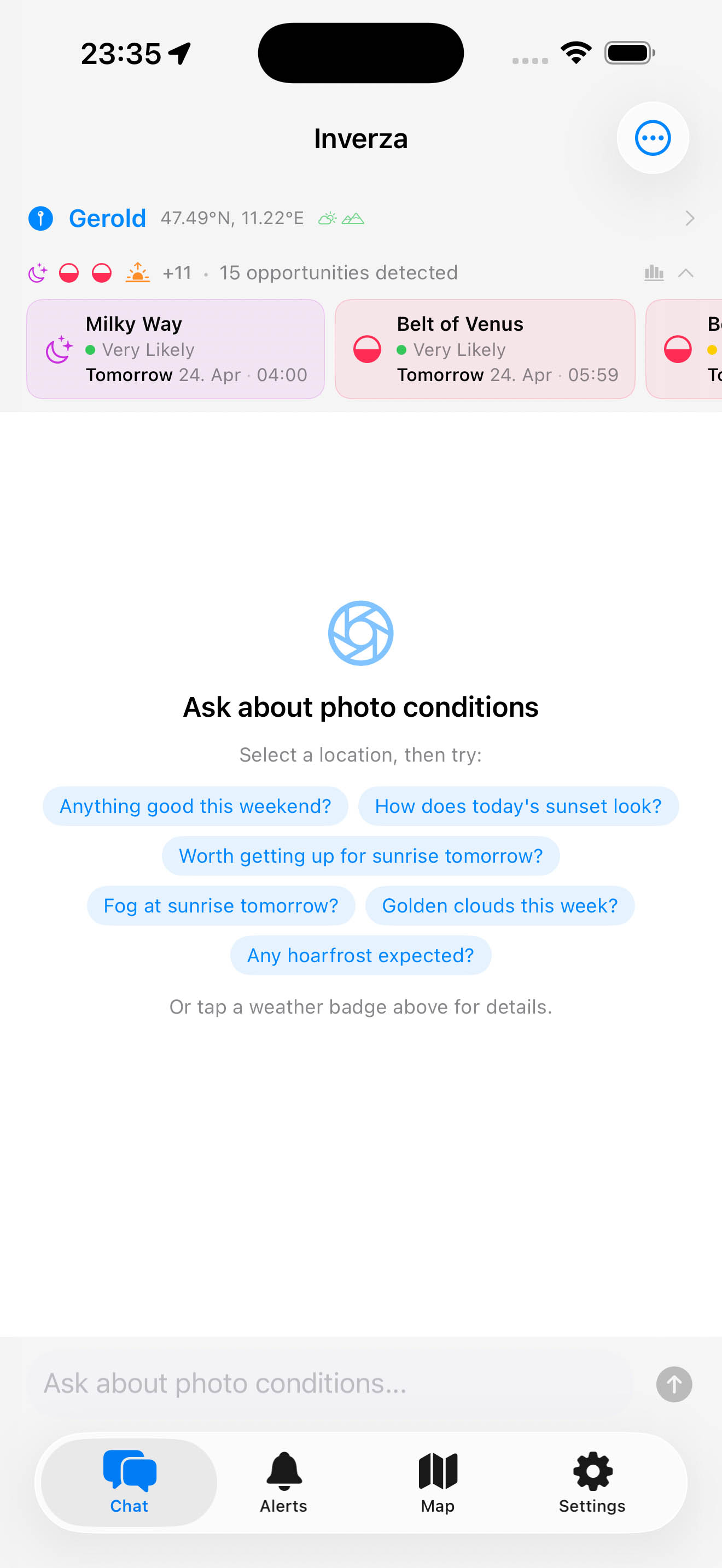
Chat with the AI about your specific spot. It considers weather, viewing direction, and time to give tailored advice.
Explore viewpoints and photo hotspots. Save a spot, set its viewing direction and start with a place that means something to you.
Explore the app ↗See the photographic conditions forecast for your location, with a time window and the reason behind the prediction.
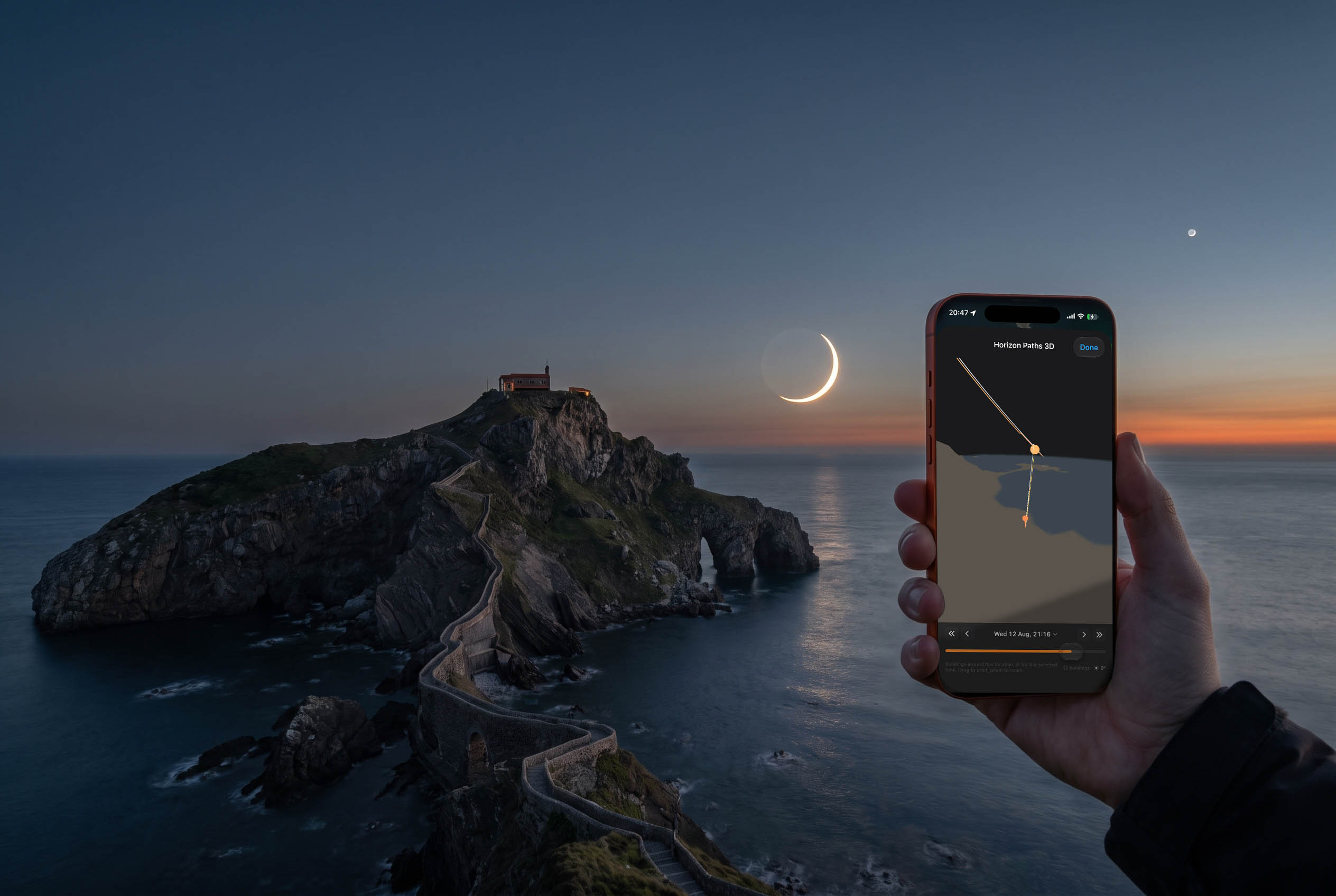
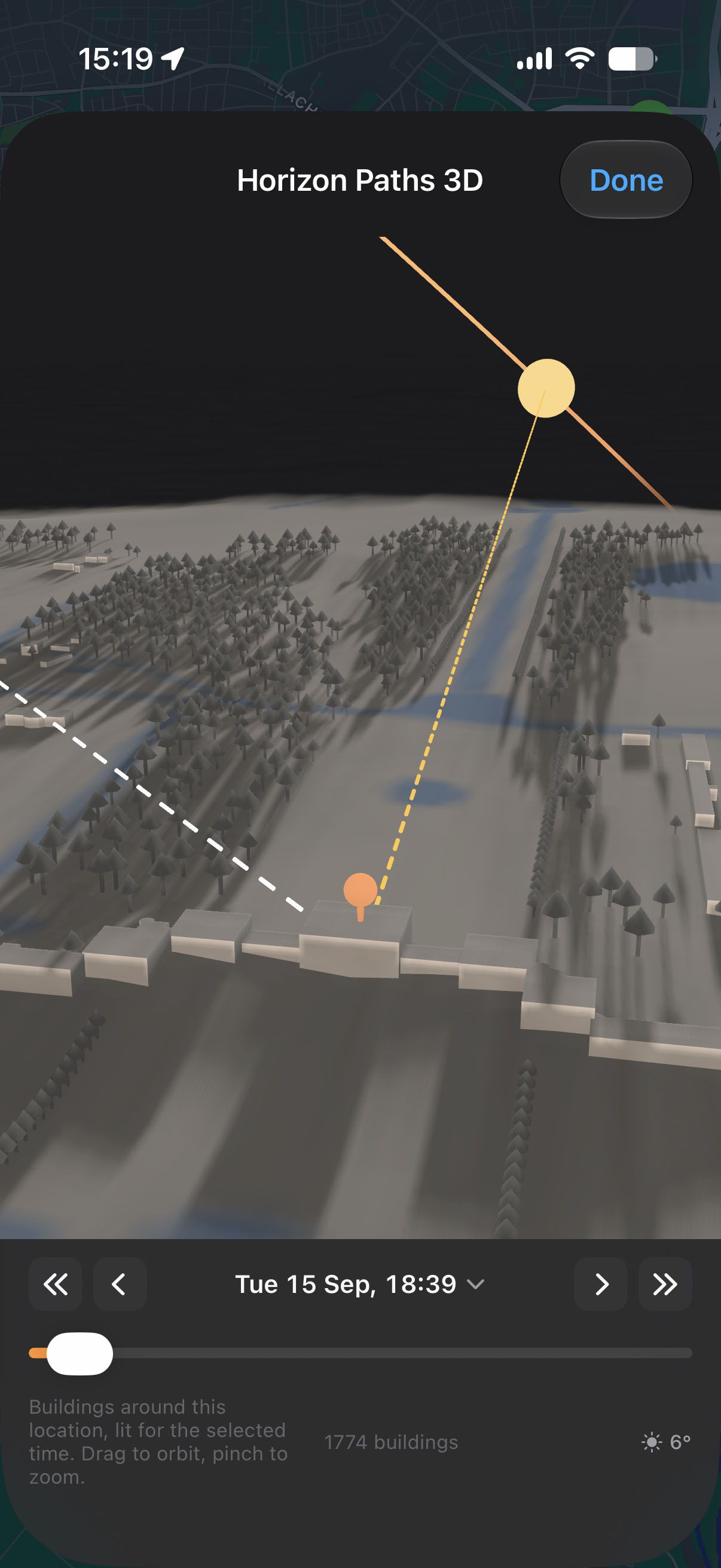
Explore the app ↗Explore the terrain in 3D, find a sun or moon alignment and save the view as a shooting plan. Load it later to pick up where you left off.
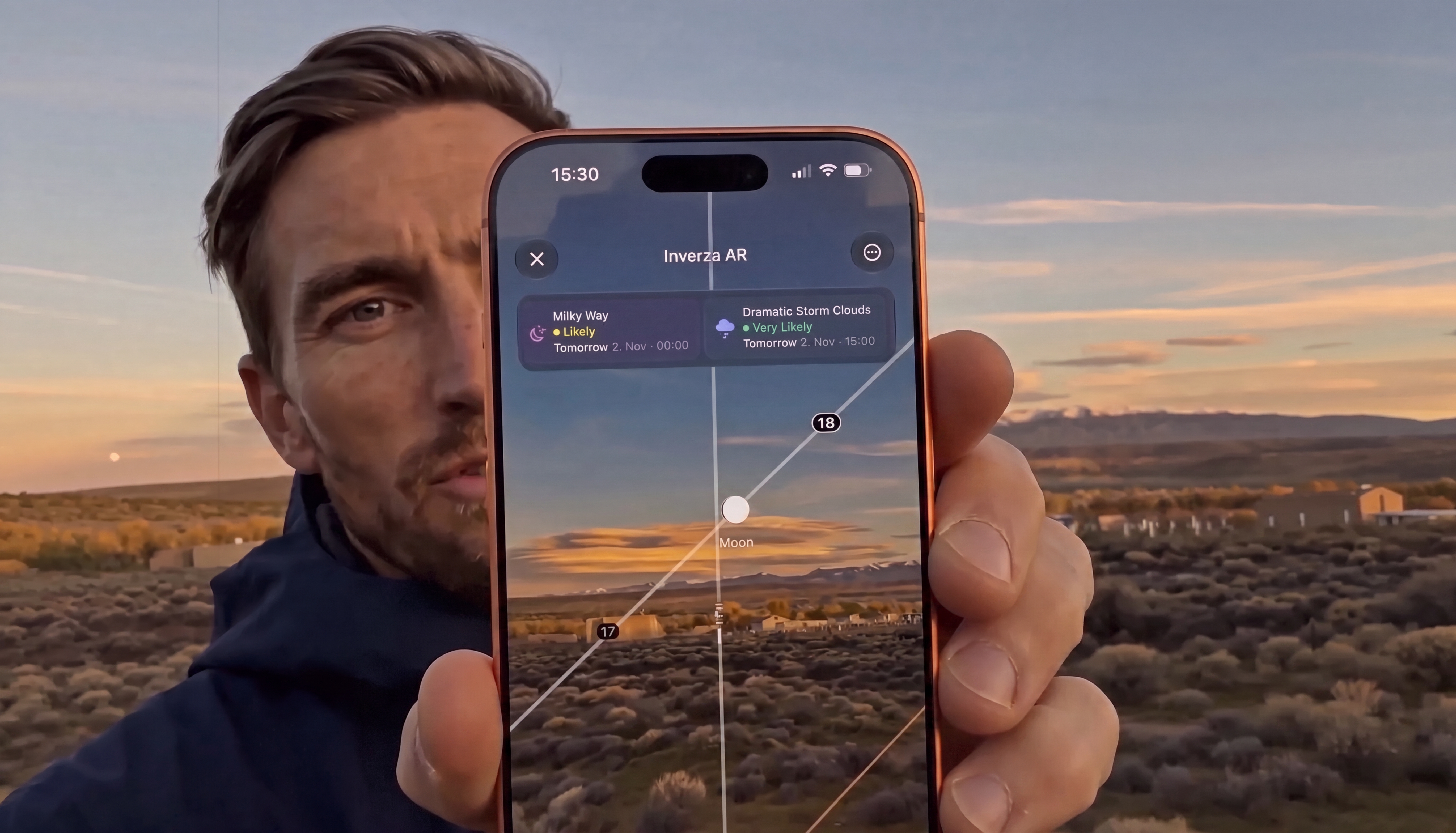
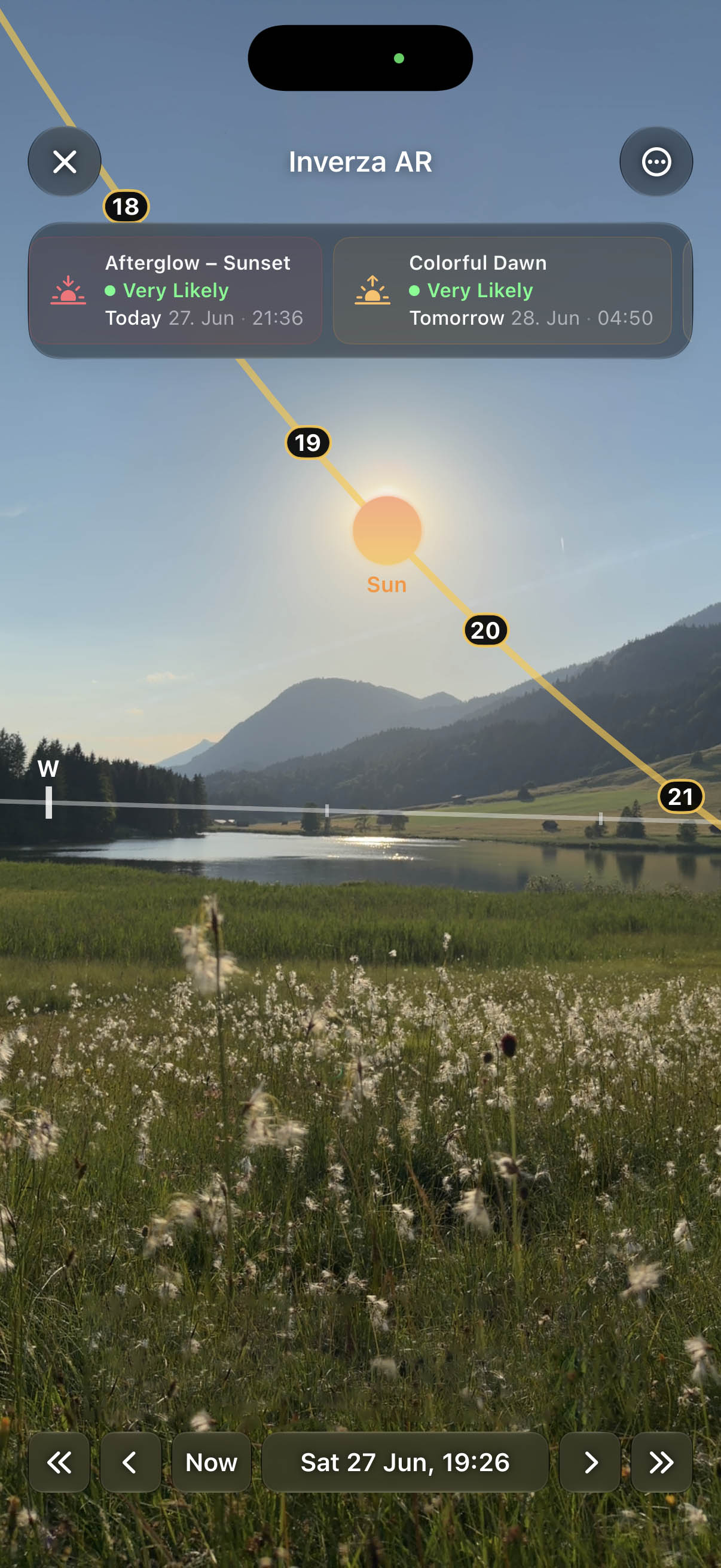
Explore the app ↗Use AR Sky on location to preview the sun, moon and Milky Way against the actual landscape. Scrub time and find your frame.
Explore the app ↗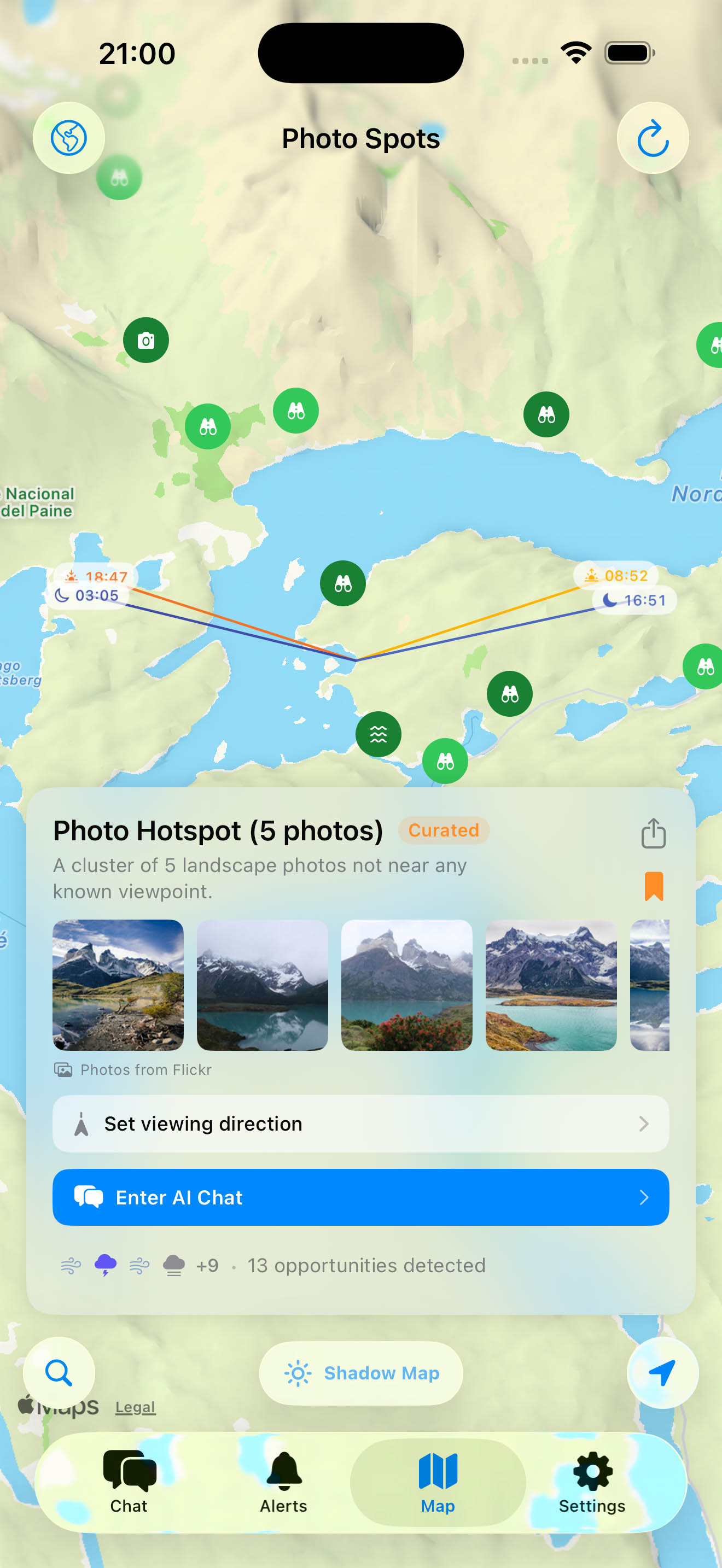
A full moon beside a church tower. The sun over a distant ridge. Start with the photograph you have in mind, then find a time and save the setup.
Dial in the sun or moon’s direction and height, set the date range and adjust the photographer and subject heights. Or describe your photograph in Find with AI, review its settings and let Inverza calculate the dates on your device.
Keep the locations, date and time, marker heights, viewing angle, field of view, Find settings and your notes together. Your shooting plans stay on your device.
Return to the saved spot and camera view, refine the composition or save a new version. The Diorama’s moon shows the illuminated phase for the selected date and time.
Try Find with AI“When can I align the next full moon with the church tower at my subject pin?”
Find returns geometric matches. Check the weather, sightline and access as part of your shoot planning.
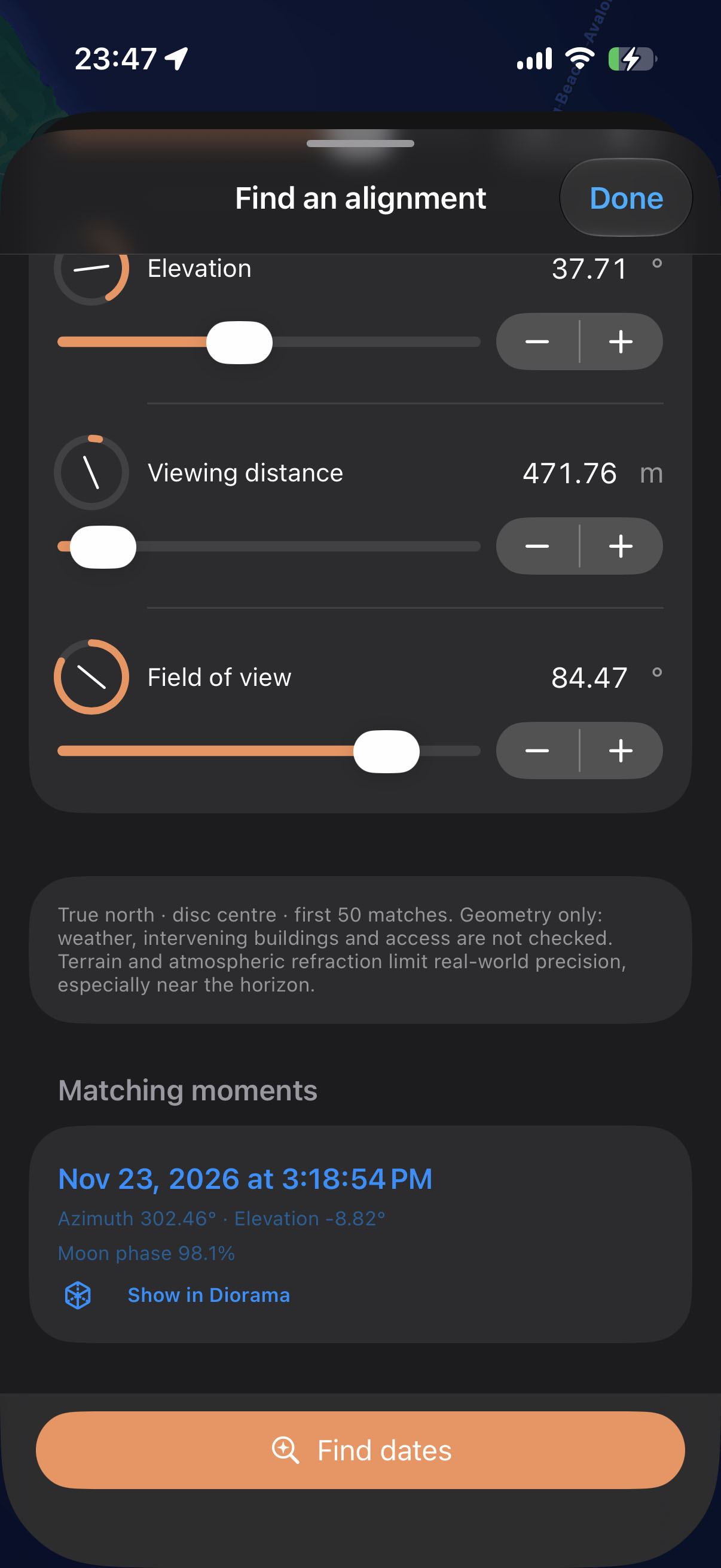
Explore every view. Select a screenshot to see the details.
Point your phone and see the sun, moon, and Milky Way core on the real sky. Scrub time to watch them arc across the horizon.
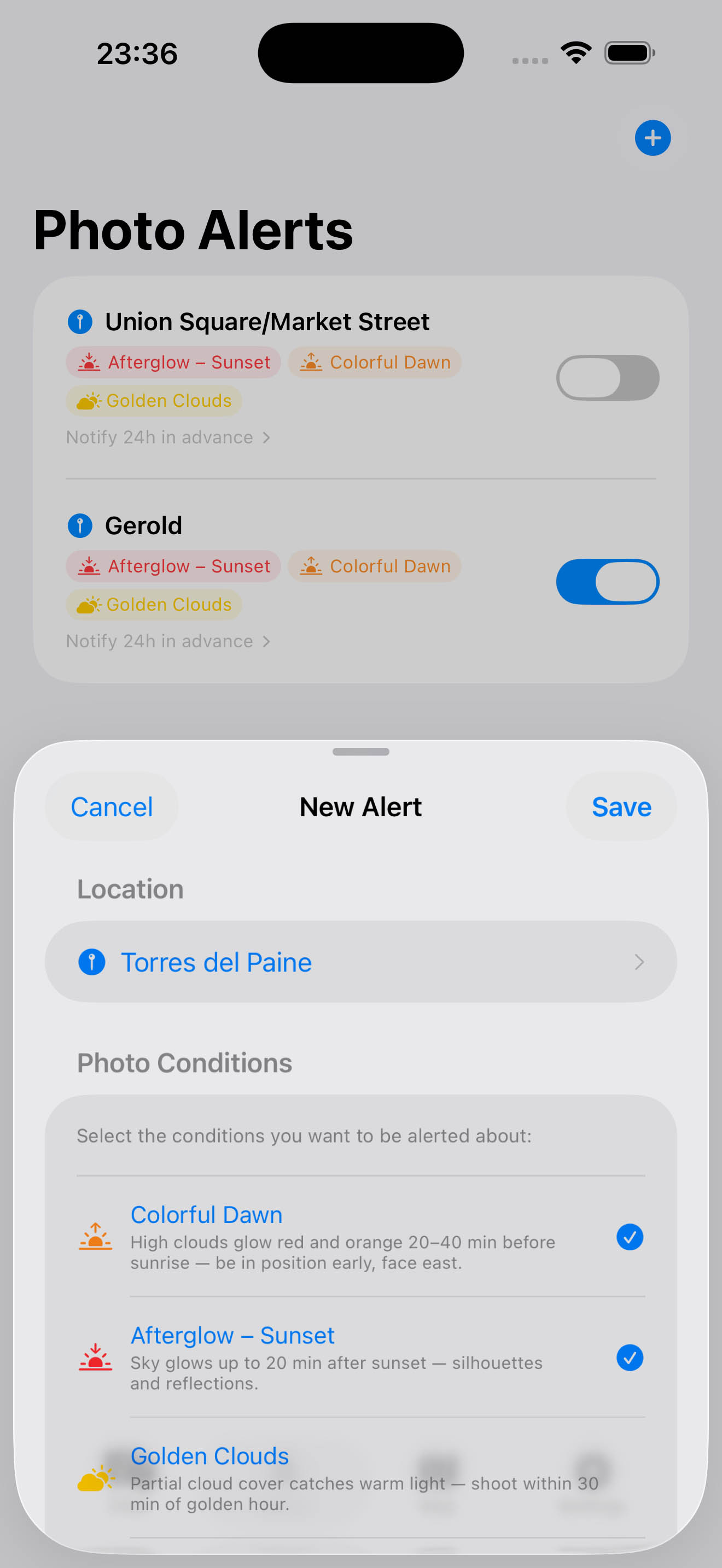
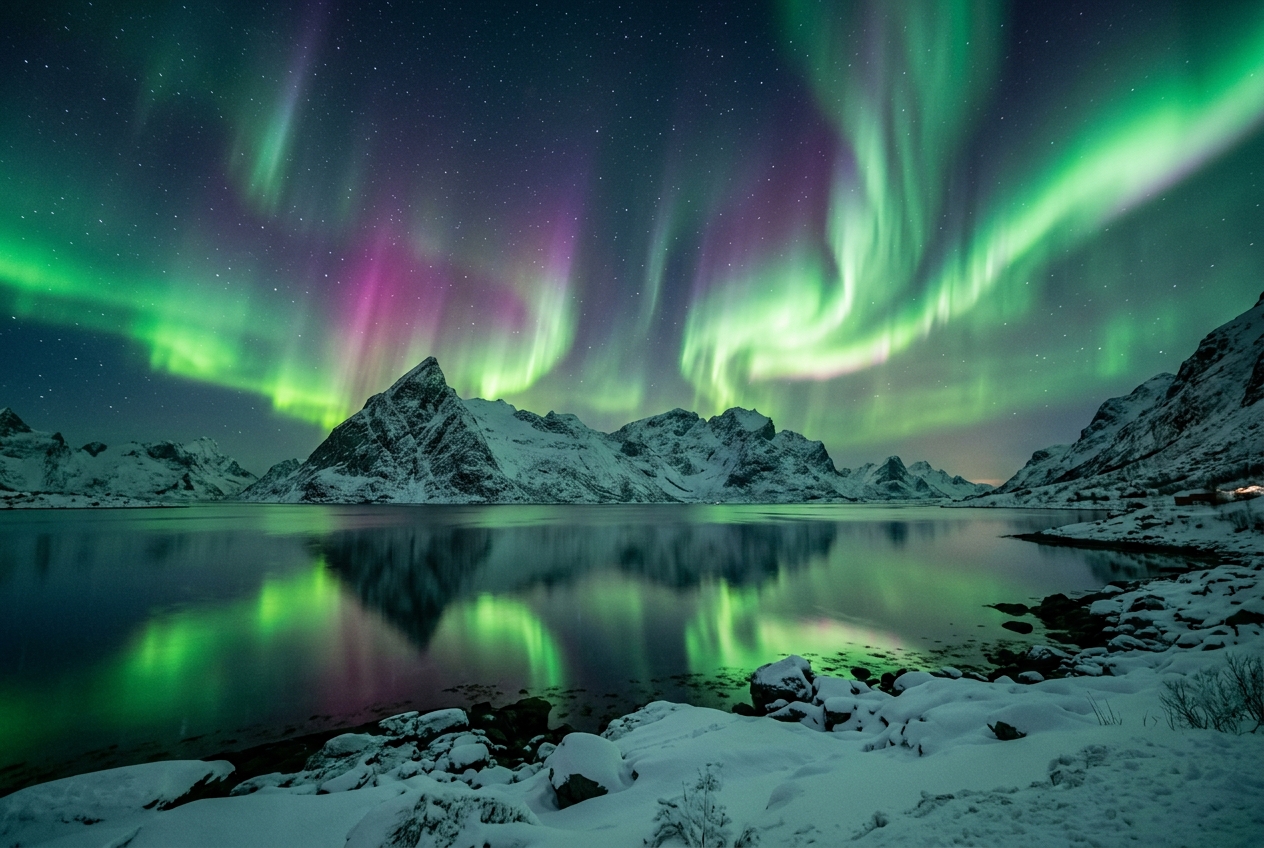
Get notified about afterglow, golden clouds, ground fog, aurora, and more.
Golden hour, fog, dramatic skies, aurora - see at a glance what's forecast for your spot.
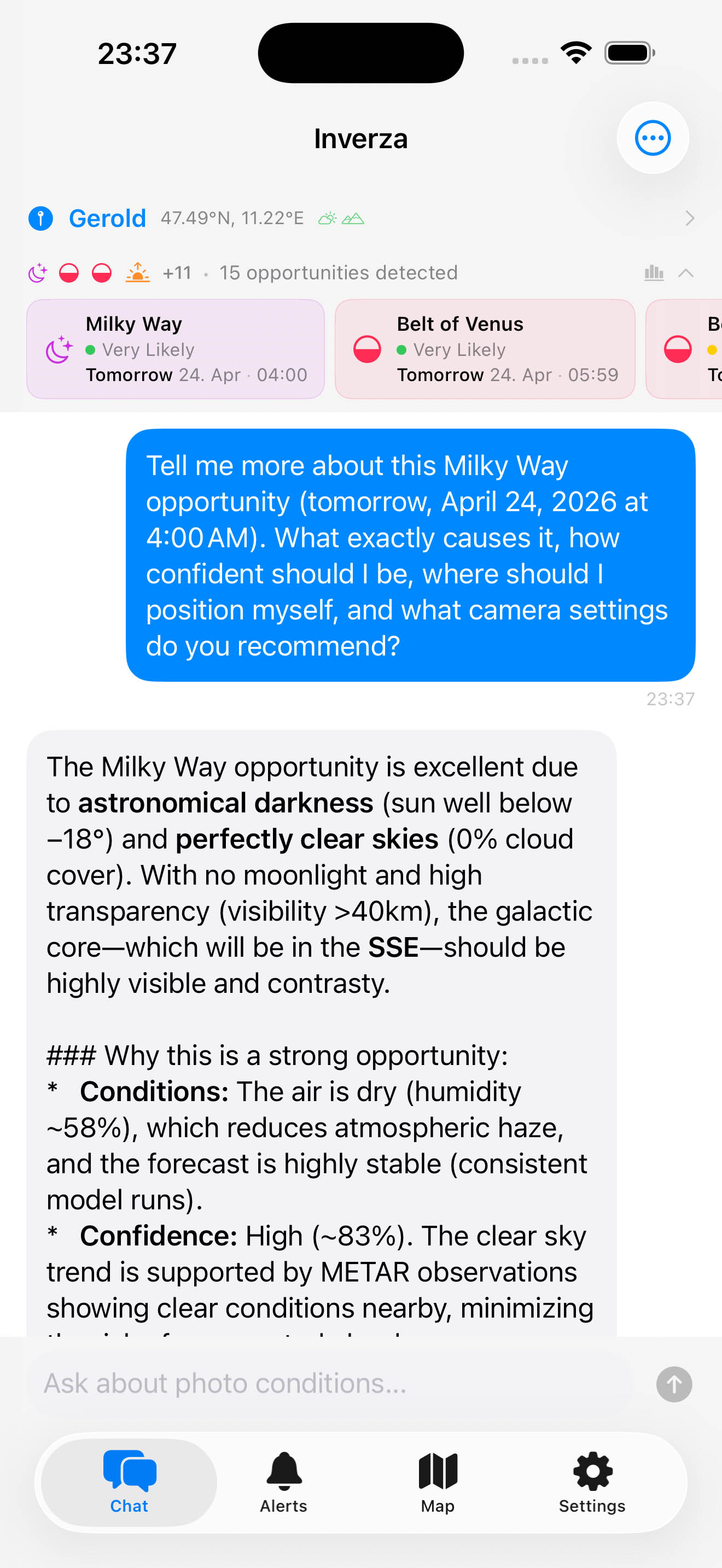
Ask about conditions in plain language. The AI considers your spot, direction, and timing.
Discover viewpoints, save your own spots, open the Diorama or AI Chat, and create a photo-condition or raw-weather alert with the spot already selected.
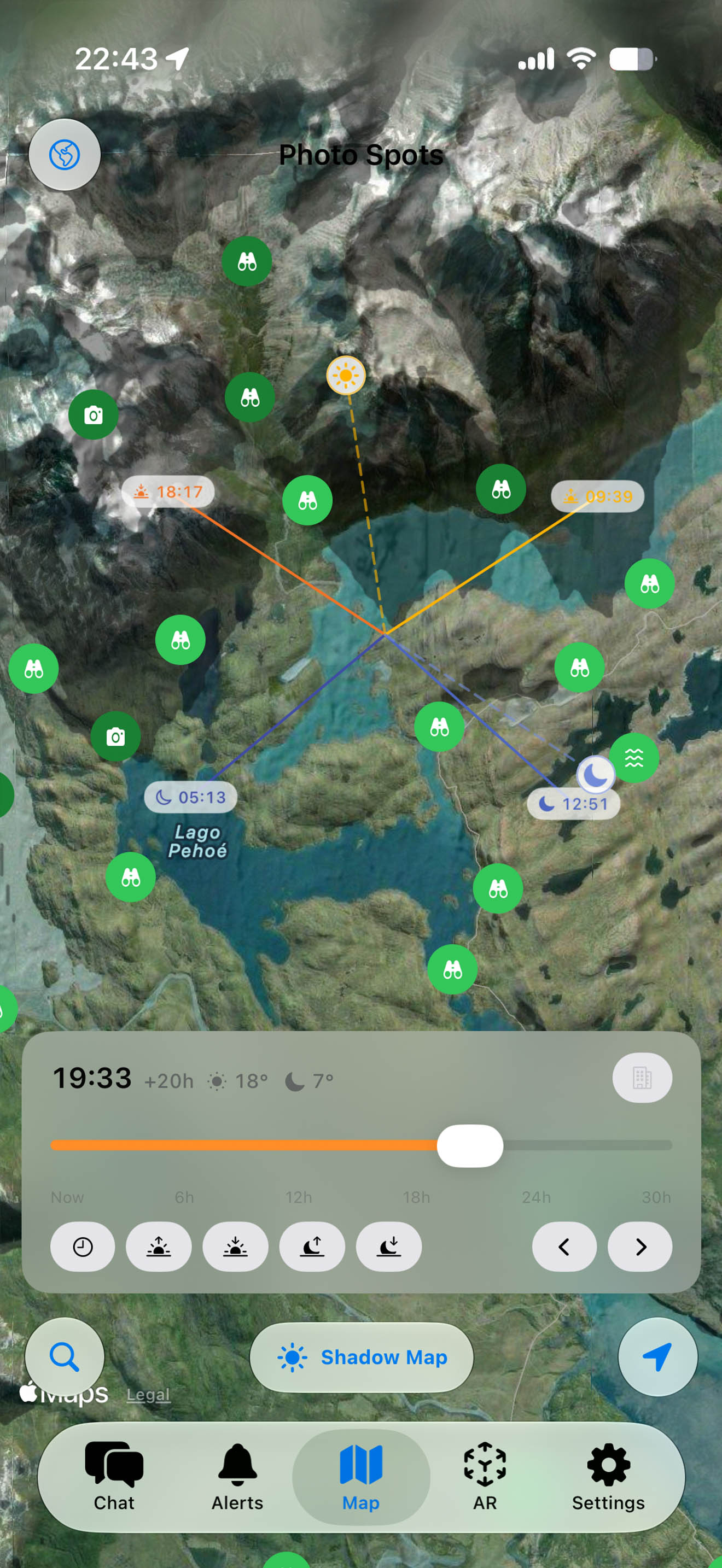
See exactly where mountain shadows fall at any time. Scrub from now to 30 hours ahead to plan your shoot around the light.
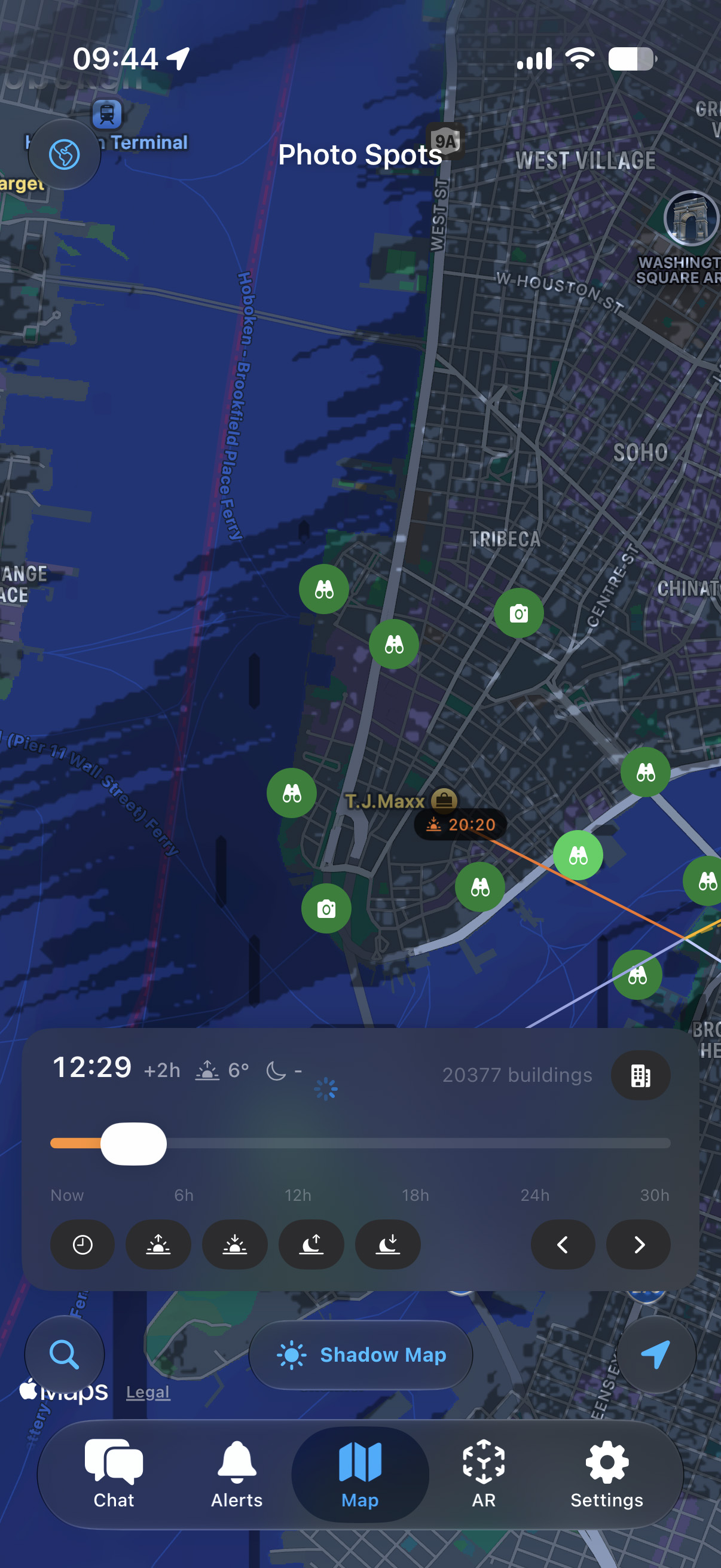
Zoom into a city and the shadow map draws real building shadows from OpenStreetMap footprints - street by street, for any date and time.
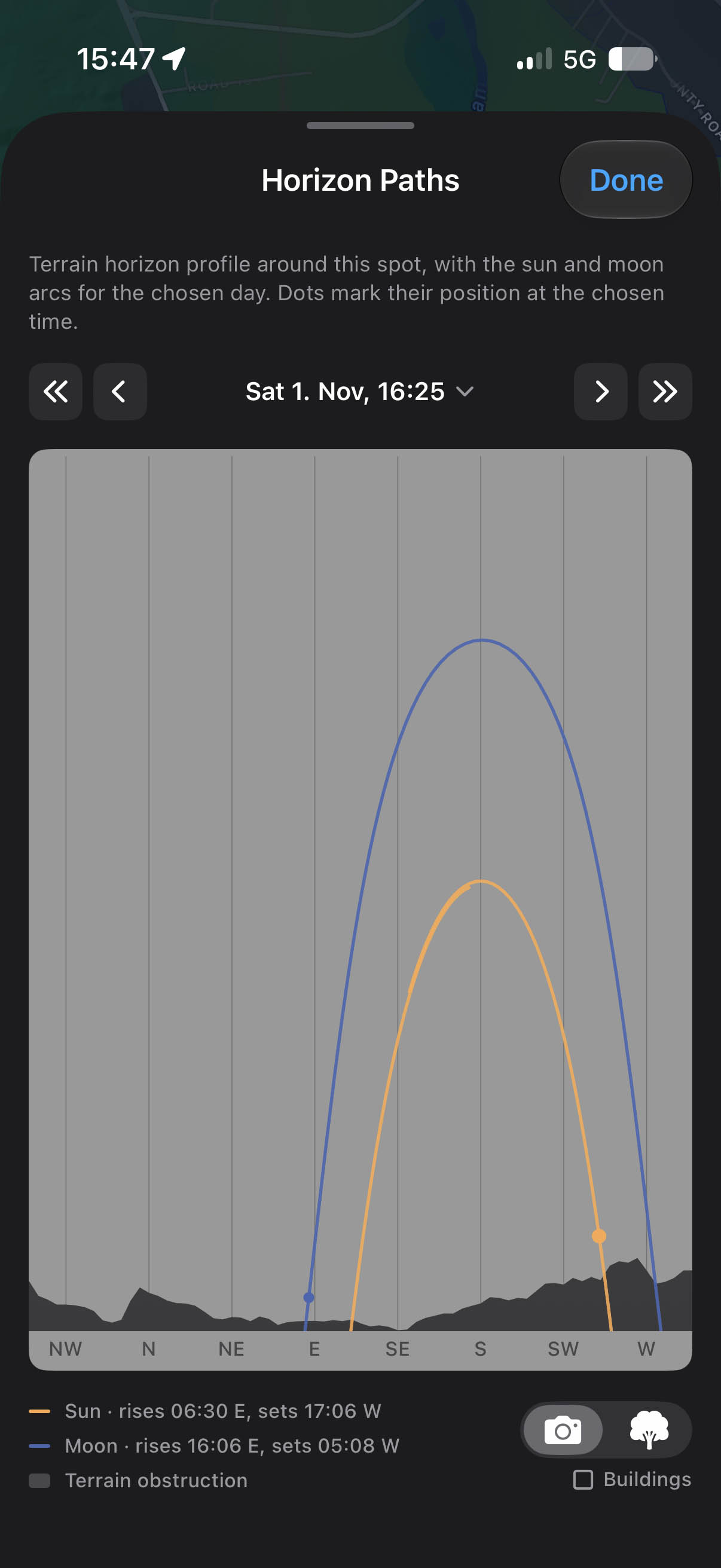
The real terrain horizon of any spot with sun and moon arcs across it - read off the minute the moon clears a ridge, weeks ahead.
Explore real terrain, buildings and coastlines in 3D. Find sun and moon alignments, save the complete shooting plan and load it when you are ready to return.
Search for Sun or Moon alignments by azimuth, elevation, date range, moon phase and adjustable photographer/subject heights. Use the controls or describe your photograph in Find with AI, review the settings, then calculate matching dates on your device.
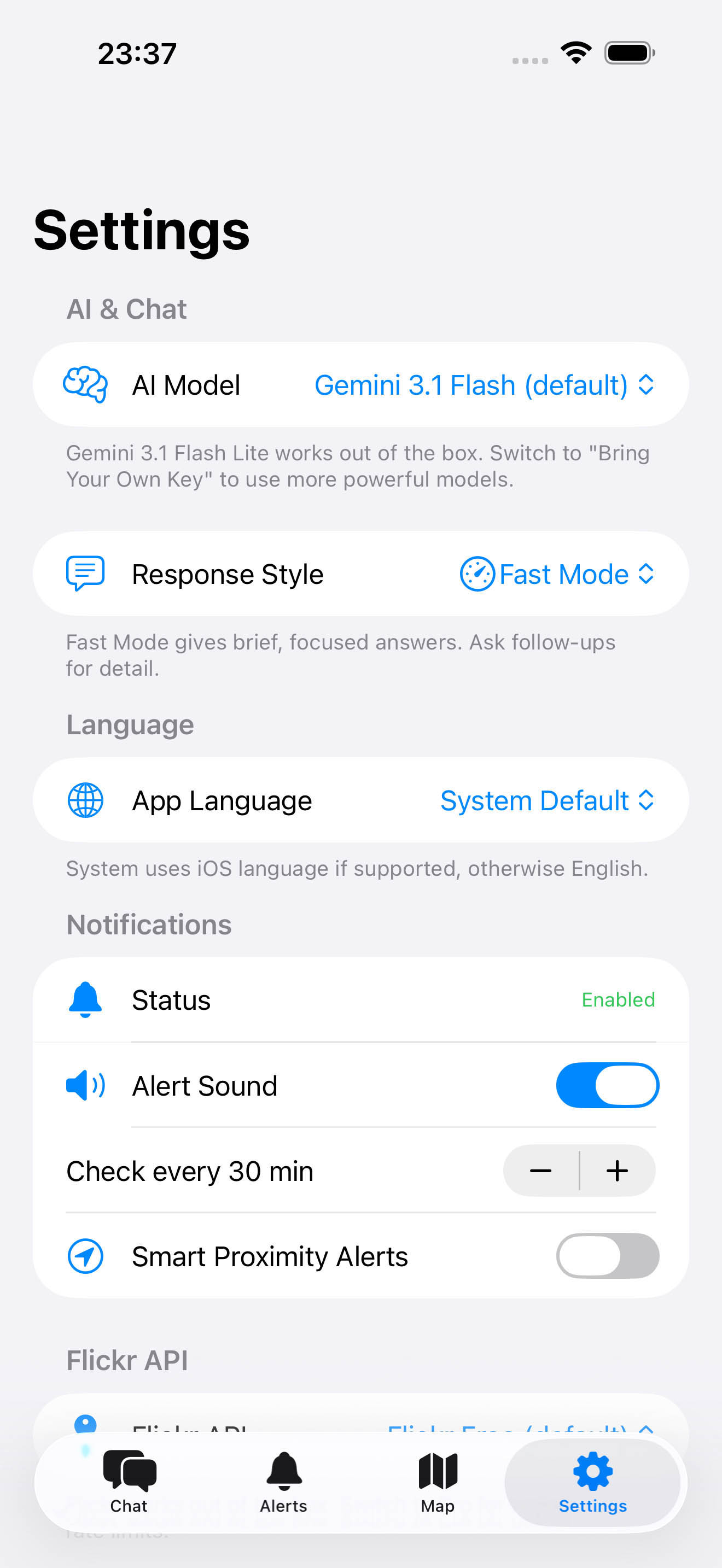
Choose your AI provider, enable notifications, and connect Flickr.
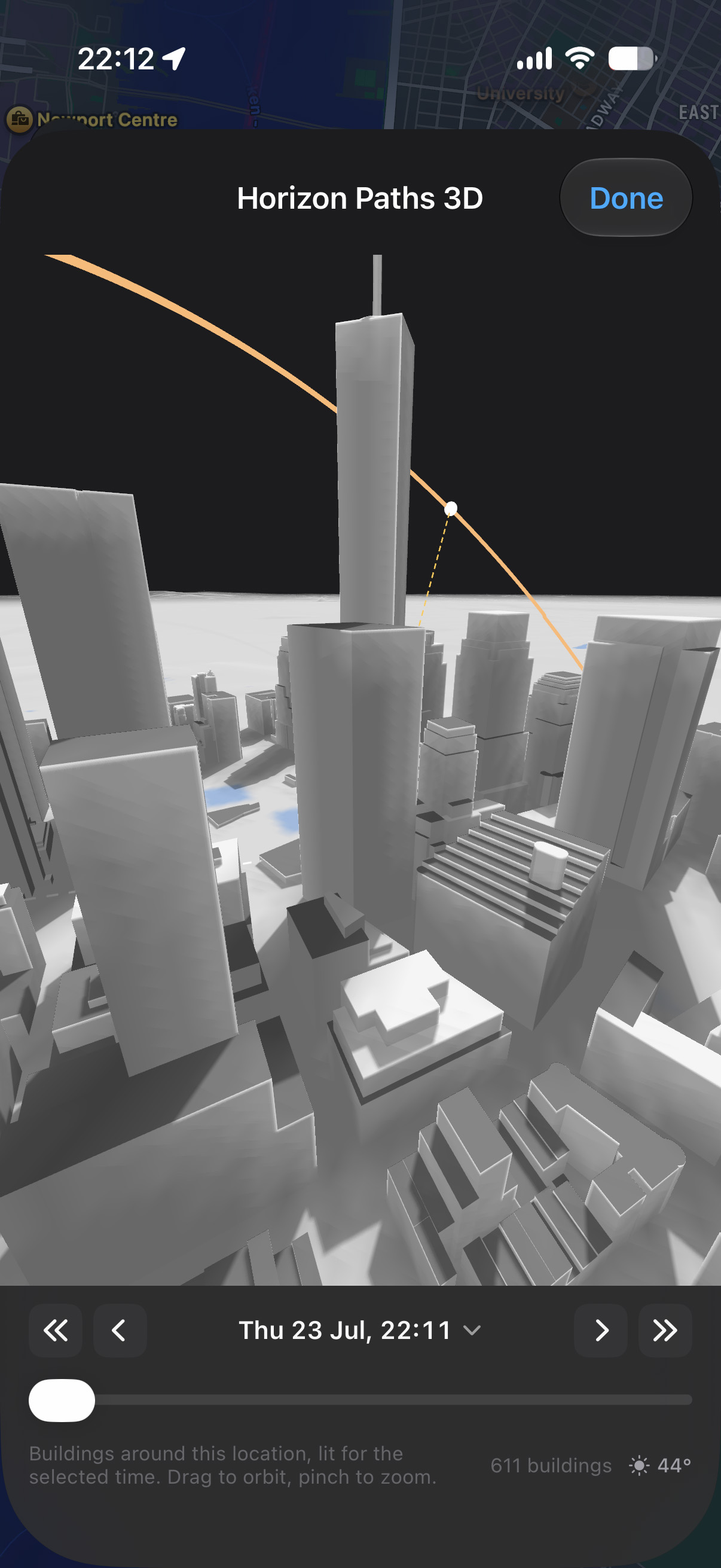
Explore New York City in 3D, with buildings that help you plan sun and moon alignments around the skyline.
Inverza combines weather data, maps, and AI into one purpose-built tool for landscape photography.
Photo Conditions Explained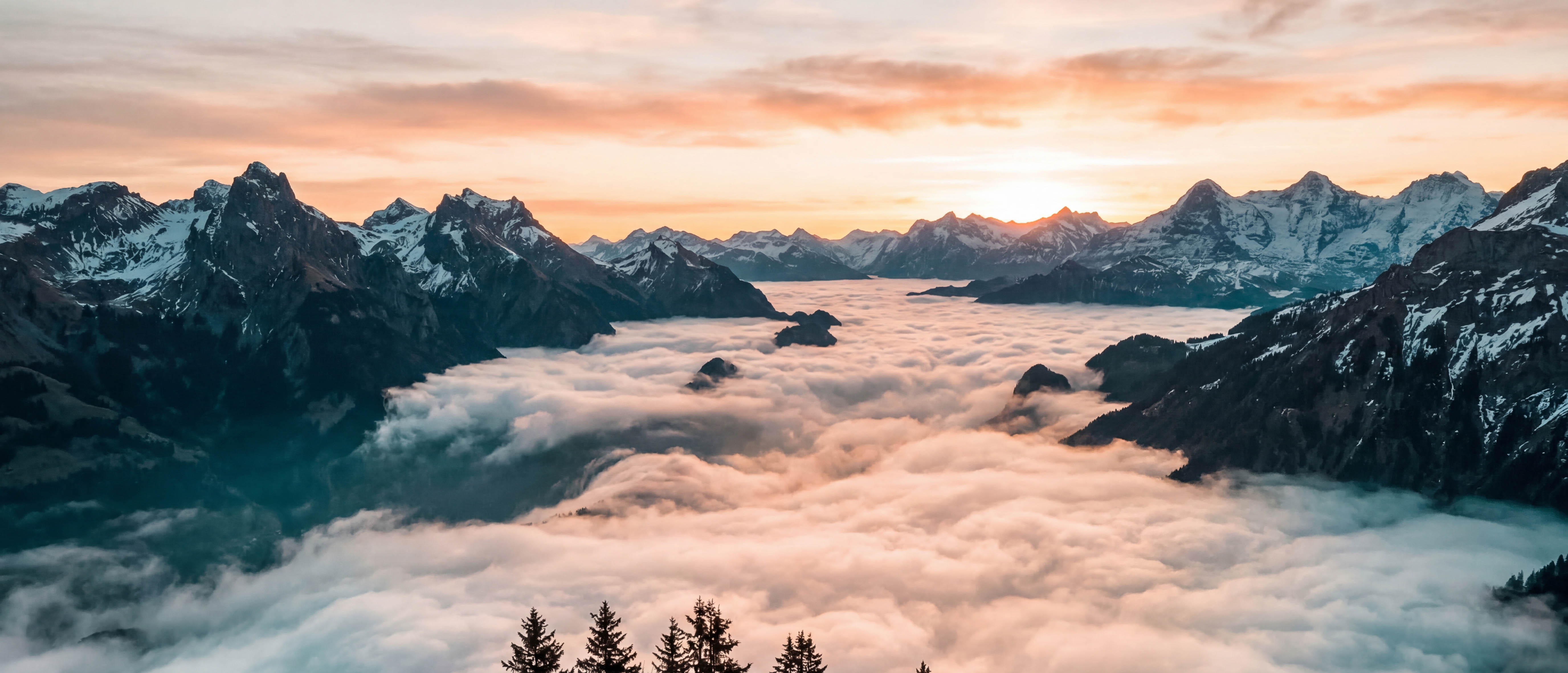
Ask an AI assistant about shooting conditions in plain language. The built-in AI (Google's newest Gemini model) is included - try free for 14 days, then $4.99/year. Or bring your own key for Claude, Gemini, or ChatGPT.
The AI analyzes wind direction and cloud movement to predict where the most dramatic skies will form relative to your position.
Auto-selects the best regional model for your location (HRRR, ICON-D2/EU, ECMWF, GFS) and layers METAR ground truth, marine SST, water-temp history, and run-to-run stability on top - then translates it all into actionable photo conditions.
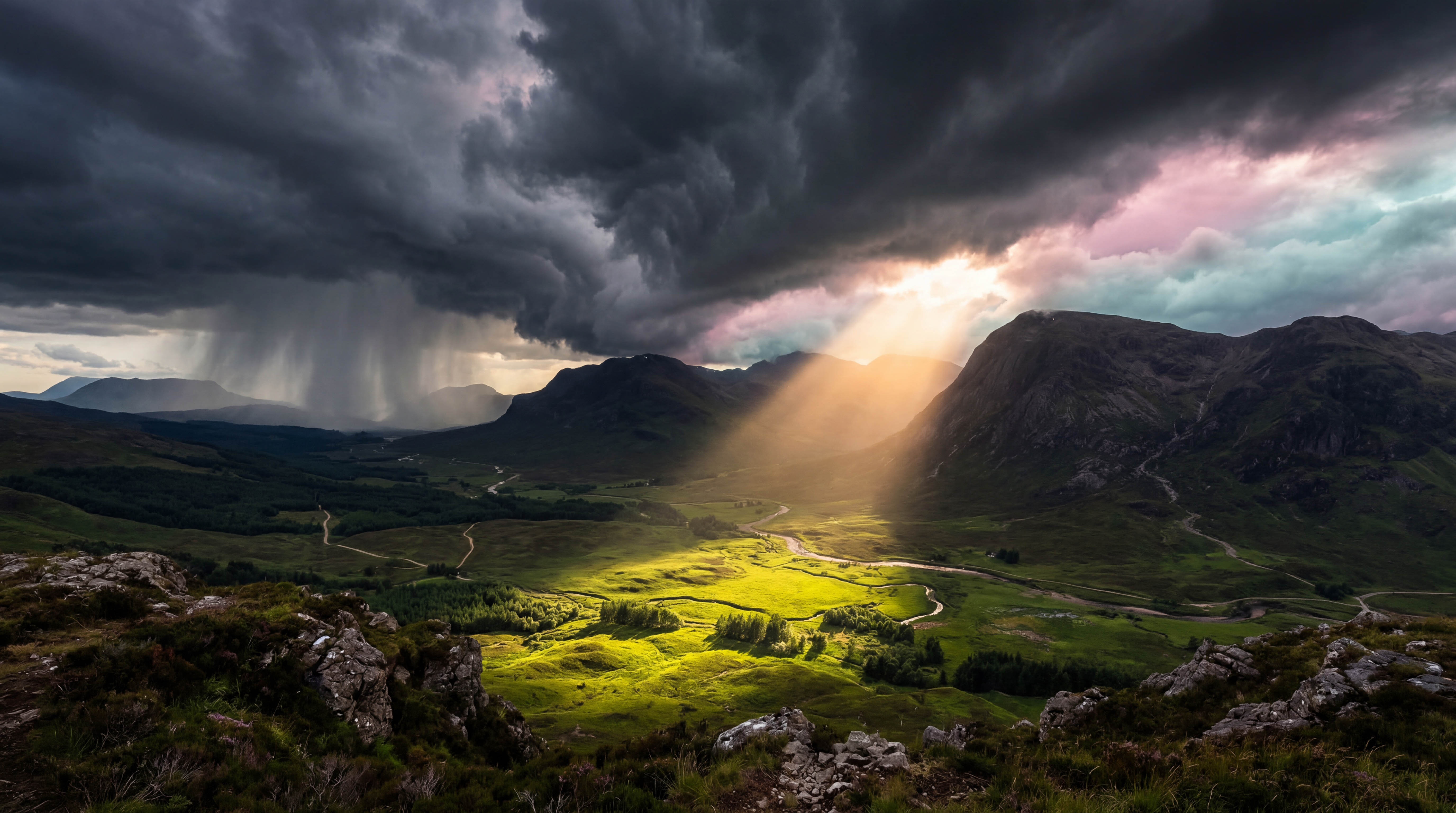
At-a-glance badges tell you when golden hour, dramatic skies, fog, storm light, or clear-sky astro conditions are forecast - so you never miss an opportunity.
Visualize where mountain shadows fall at any time, and at city zoom toggle on building shadows from OpenStreetMap outlines. Scrub from now to 30 hours ahead with quick jumps to sunrise, sunset, moonrise, and moonset. No other photography planner we know of draws building shadows on the map.
Select any pin on the map to see sunrise, sunset, moonrise, and moonset direction lines with exact times. With the shadow map active, two extra dotted lines track the current sun and moon position live as you scrub the time slider, so you can see exactly where light will be coming from at any moment.
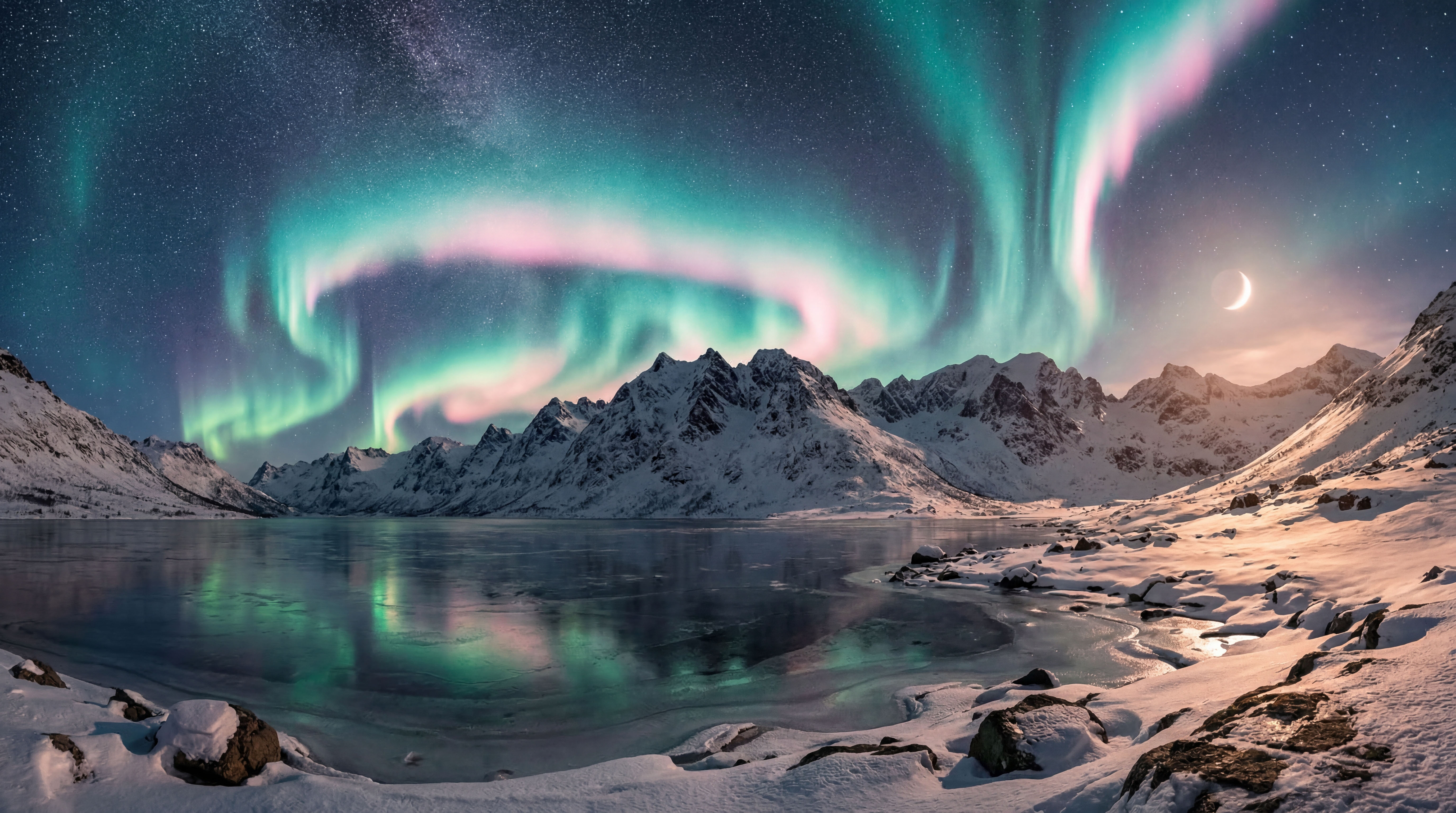
Discover photography spots from OpenStreetMap viewpoints, save your own curated locations, and explore Flickr photography hotspots - all on one map.
Flickr photo density scores every viewpoint - popular spots glow dark green. Hidden clusters of landscape photos appear as camera icons on the map.
Set which direction a spot faces - point your phone to capture the heading. The AI knows whether sunrise or sunset will be in your field of view.
Hold up your phone and see the sun, moon, Milky Way core, and the North Star drawn onto the live view, exactly where they sit in the real sky. Scrub time to watch them arc across the horizon, and switch between your lenses by focal length to preview the exact frame before the event. A red Night Mode keeps your eyes dark-adapted for astro work.
See the real 360° terrain horizon of any saved spot with sun and moon arcs across it - read off the minute the moon clears a specific ridge, weeks ahead, from anywhere. Pair a spot with a subject up to 50 km away and flip the whole chart to the subject's vantage. Or tap Diorama for Horizon Paths 3D: the spot as an orbitable model with real terrain, buildings, trees, and coastlines, shadows that follow the time slider, and a NASA-grade eclipse percentage whenever sun and moon overlap - built in for every solar eclipse through 2030.
Every raw forecast value behind the predictions, in one panel. Tap any value to explore it as an interactive 7-day chart with pinch zoom, weather condition markers, and day, golden-hour, and night shading tied to the real sunset geometry of the location.
Build custom alerts on the exact values you care about - cloud base below the summit, wind under 10 km/h, fresh snow above 5 cm. Notifications are time-sensitive, so a dawn alert reaches you even during Sleep Focus.
See real photos of any spot from Flickr and Wikimedia Commons. Flickr works out of the box - or bring your own Pro key.
Share any spot via Messages, email, or any app. Includes an Apple Maps link and a one-tap import deep link.
Track which photo conditions appear most often at each location, broken down by season. The AI uses this data for smarter recommendations.
Use Inverza in English, German, French, Spanish, or Italian. Switch languages instantly in Settings.
Built-in diagnostic screen shows background check status, cache usage, and network health. Cached data keeps the app usable offline.
Apps like Windy give you a model picker - flip through ECMWF, GFS, ICON, HRRR and read the raw output yourself. Inverza takes the opposite approach: the right regional model is consulted automatically, and a stack of additional non-model sources is layered on top before anything reaches your screen as photographic guidance.
Inverza taps Open-Meteo's best-match selection so your forecast is built from the right model for your latitude: HRRR (3 km, hourly) in North America, ICON-D2 (2.2 km) and ICON-EU (7 km) in Europe, ECMWF IFS (~9 km) for medium-range globally, GFS (13 km) as a global fallback. No manual model switching - the right one runs for where you are.
Real-time observations from the nearest airport weather station (NOAA AWC) cross-check the model. When the METAR confirms what the forecast predicted, the badge gets upgraded to a Live tier - "this isn't a forecast anymore, it's happening right now." When METAR contradicts the model, scoring is penalised accordingly.
Sea-surface temperatures from Open-Meteo Marine drive coastal advection-fog detection (warm humid air over cooler seas - SF Bay, the UK coast, the Pacific Northwest). For inland lakes and rivers, water temperature is estimated from the last few days of air temperature history, powering steam-fog detection on calm autumn dawns.
Open-Meteo's previous-runs API lets Inverza compare today's forecast for a given hour with what yesterday's run predicted for that same hour. When the cloud forecast has shifted by more than 25 percentage points between runs, the detection score is gently penalised and the reason string flags the drift - so you can see when the atmosphere hasn't quite settled on what it's doing yet.
Hourly aerosol optical depth, PM10, and Saharan dust readings (Open-Meteo Air Quality) feed the Soft Light detector - the dreamy, particle-softened golden hour that photographers love only forms when there's enough fine material in the atmosphere to diffuse the sun without smothering it.
700 and 500 hPa winds, temperatures and humidities feed lenticular-cloud detection, combined with a real-time ridge analysis of NASA SRTM elevation data near your spot. Mountain-wave clouds need strong winds nearly perpendicular to a prominent ridge and a stable lapse rate - all three are checked before a Lenticular badge surfaces.
The result: instead of a wall of model layers you have to read like a meteorologist, you get one answer per condition - Ground Fog: Likely (steam-fog pattern); Lenticular: Very Likely (NW wind perpendicular to ridge, 65 km/h at 700 hPa); Milky Way: Live (METAR clear sky, no moon). The underlying models are the same ones Windy lets you browse - they just feed an interpretation layer instead of being shown raw.
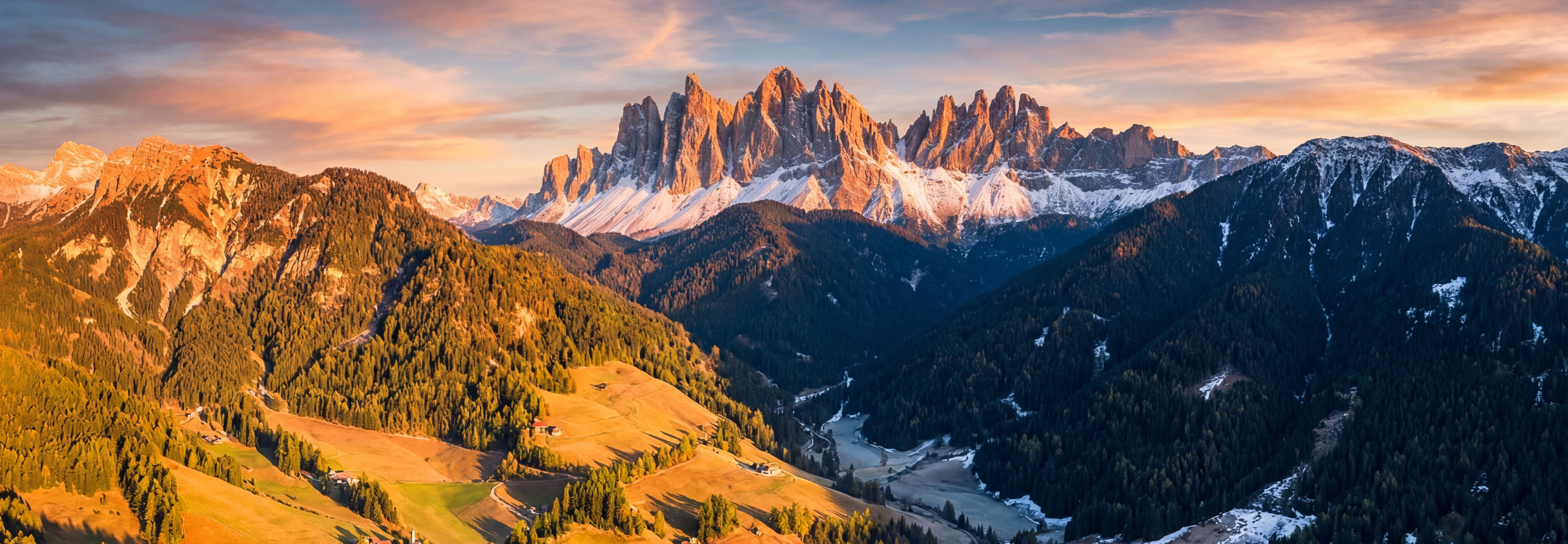
Terrain changes where light lands.
Plan for the place you will actually stand.
Inverza has no app-operated backend or user accounts. Weather, maps and optional AI chat contact the providers described below. The AI permission and Gemini age-confirmation controls described here are introduced in v1.7.
Saved spots, history and preferences are stored locally; your API keys use iOS Keychain. Remove keys in Settings before uninstalling to delete those credentials. Provider-held records and device backups are separate. Paid built-in Gemini does not use prompts to improve Google's products, but allows limited safety retention. Your own key uses your provider's applicable terms and settings.
No in-app ads, IDFA access or cross-app tracking SDK. Apple's SKAdNetwork reports coarse app-install conversion milestones. Apple may provide aggregated store, subscription and diagnostic reports. Local verdicts and chat history are not uploaded to a developer-operated analytics service.
If you are in the EU/EEA, you have the right to access, correct, delete, and port your data. Use the Export/Import feature for data portability.
Inverza is an interpretation engine, not a model browser. It uses Open-Meteo's automatic best-match selection so the right regional model is consulted for your location:
On top of those numerical models, Inverza layers METAR ground observations from the nearest airport, Open-Meteo Marine sea-surface temperatures for coastal advection-fog detection, inland water-temperature estimates from recent air-temperature history for steam-fog detection, aerosol and air-quality data (PM10, AOD, Saharan dust) for soft-light scoring, and previous-run model stability analysis that compares consecutive forecast runs to penalise predictions that have drifted significantly.
Apps like Windy let you browse the raw output of every model and interpret it yourself - invaluable for meteorologists and pilots. Inverza takes the same models, blends them with all the non-NWP sources above, and translates the result into 16 photographically meaningful conditions with confidence tiers (Possible → Likely → Very Likely → Live).
Inverza is created by Marcel Strelow. A small, independent app with a simple purpose: helping you make more of the time you spend outdoors.
The story, press kit & media resources ↗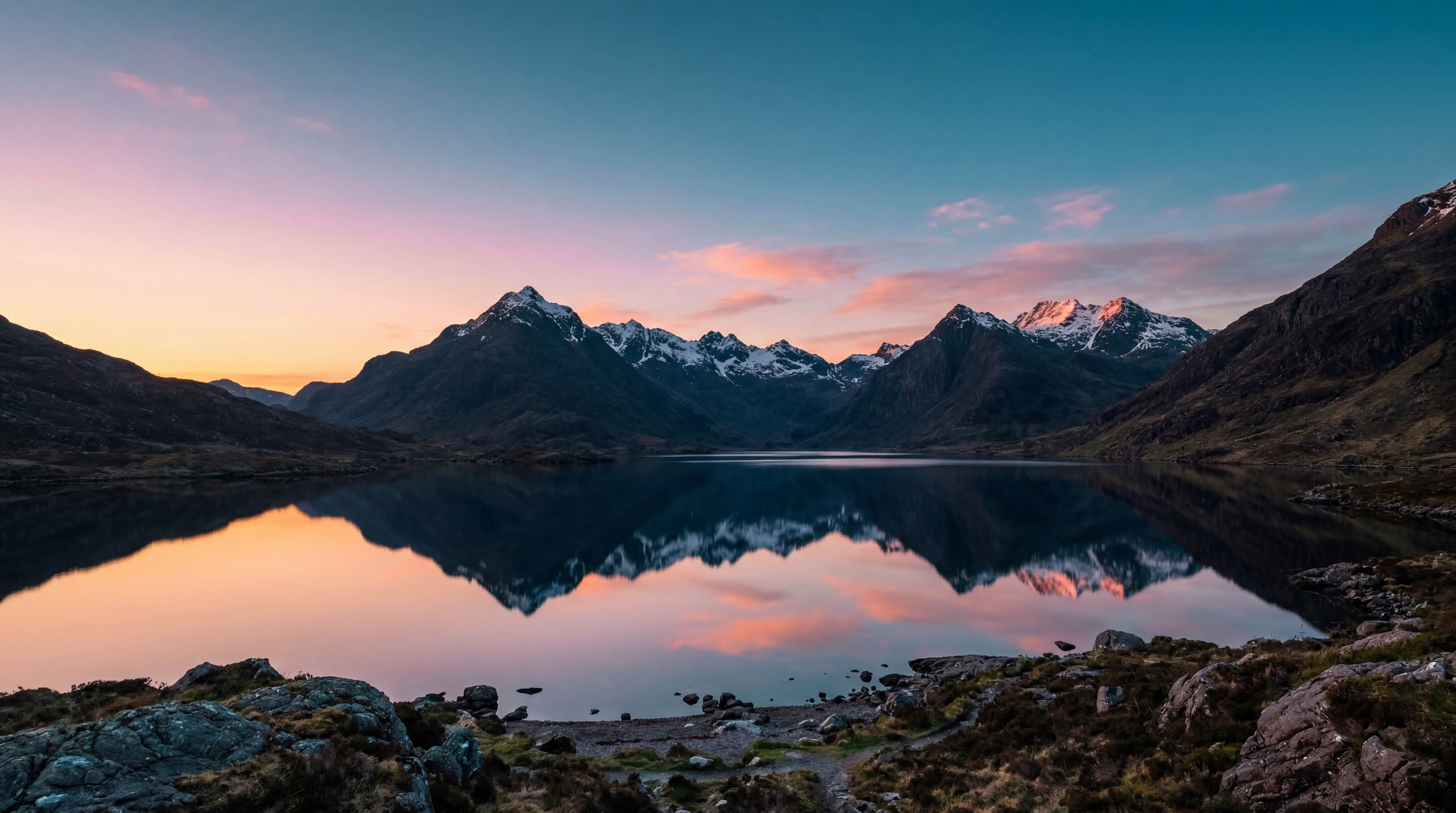
Start planning your next landscape shoot today. Try free for 14 days, then just $4.99/year. Rated 5.0 on the App Store.

 Scan on your phone
14 days free · $4.99/year · Cancel anytime