Inverza app icon Inverza app icon
14 days free · then $4.99/year

The weather app built for landscape photographers

AI-powered weather analysis, an interactive photo map, and real-time condition detection — everything you need to chase the light.
Everything you need to chase the light

Inverza combines weather data, maps, and AI into one purpose-built tool for landscape photography.

Photo Conditions Explained
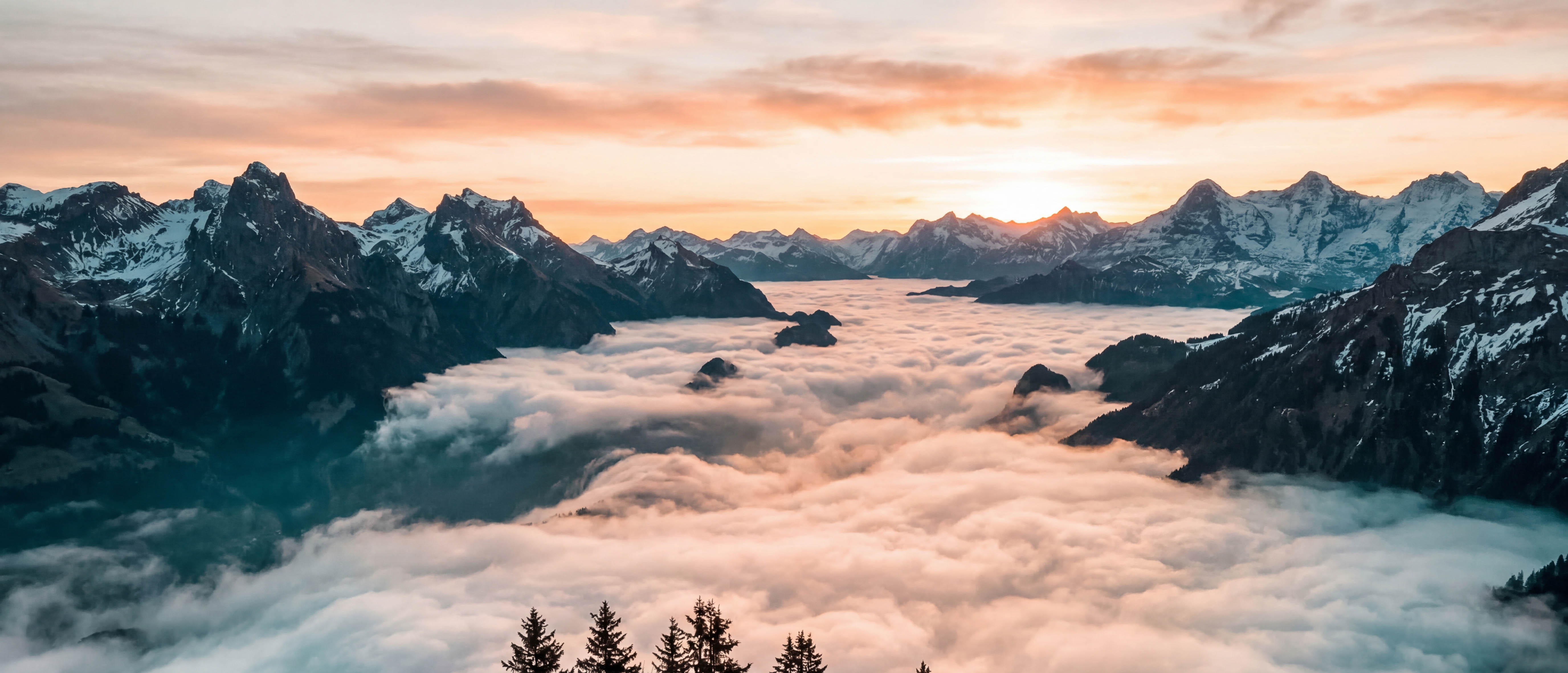
Morning fog filling an alpine valley at sunrise

AI & Weather Intelligence

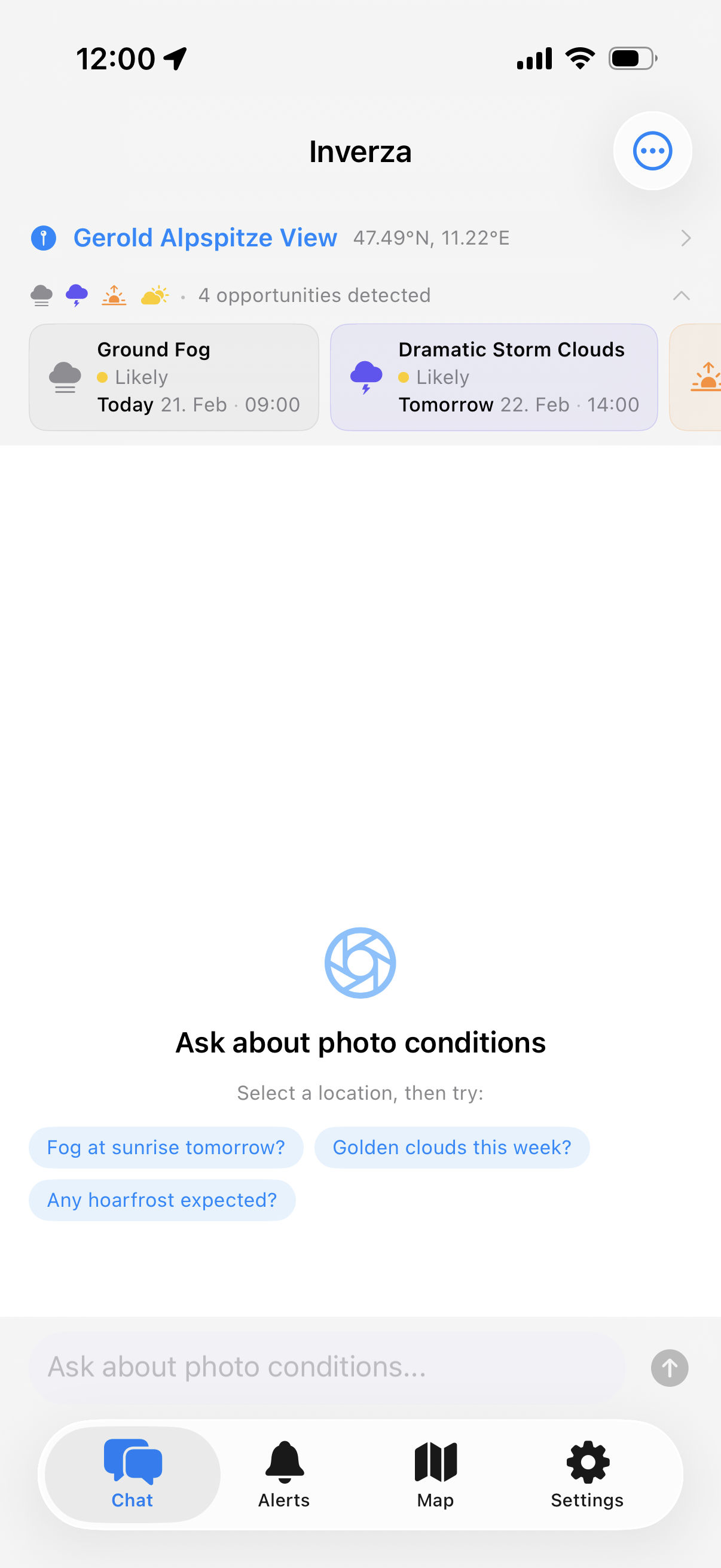
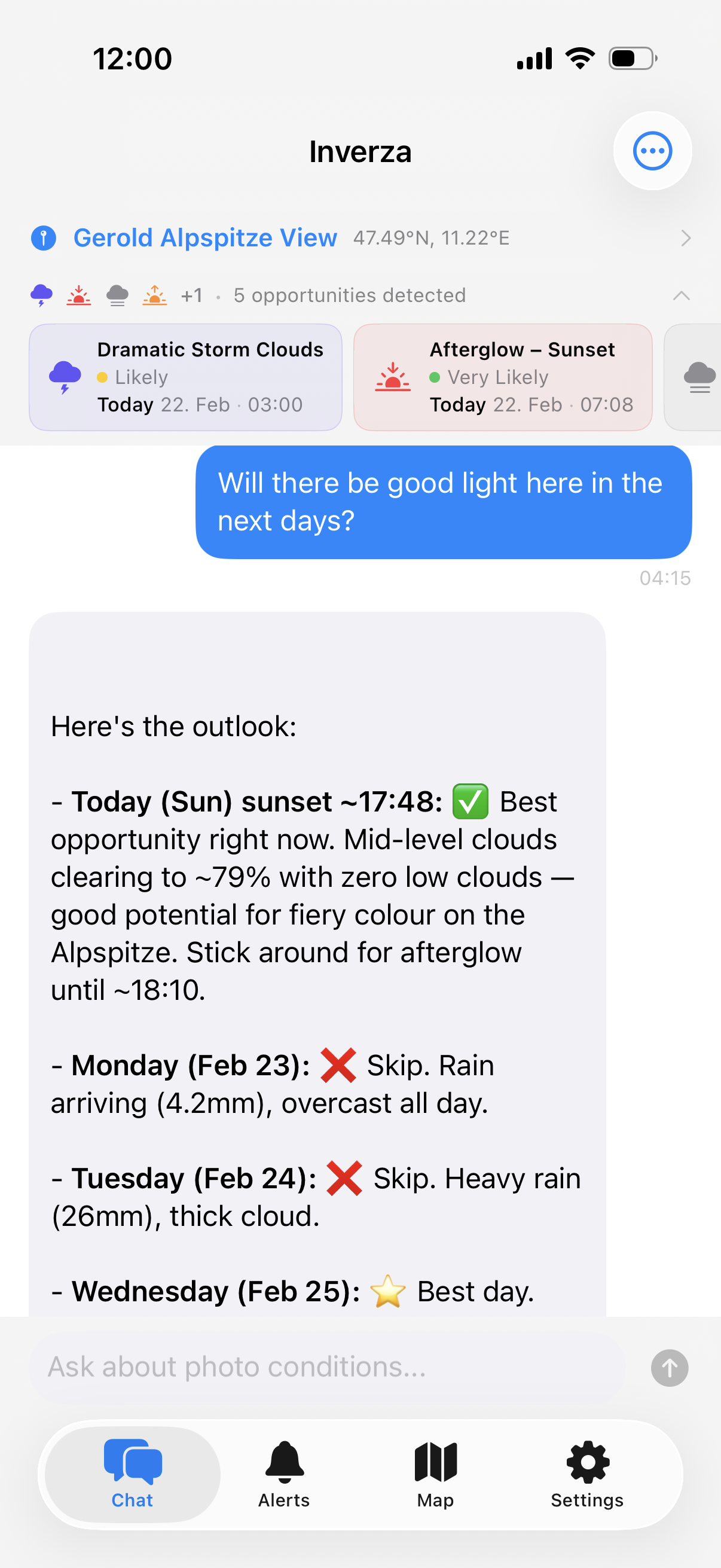
Ask about shooting conditions in plain language. AI blends weather models, ground observations, and golden hour timing into actionable advice.

💬

AI Weather Chat

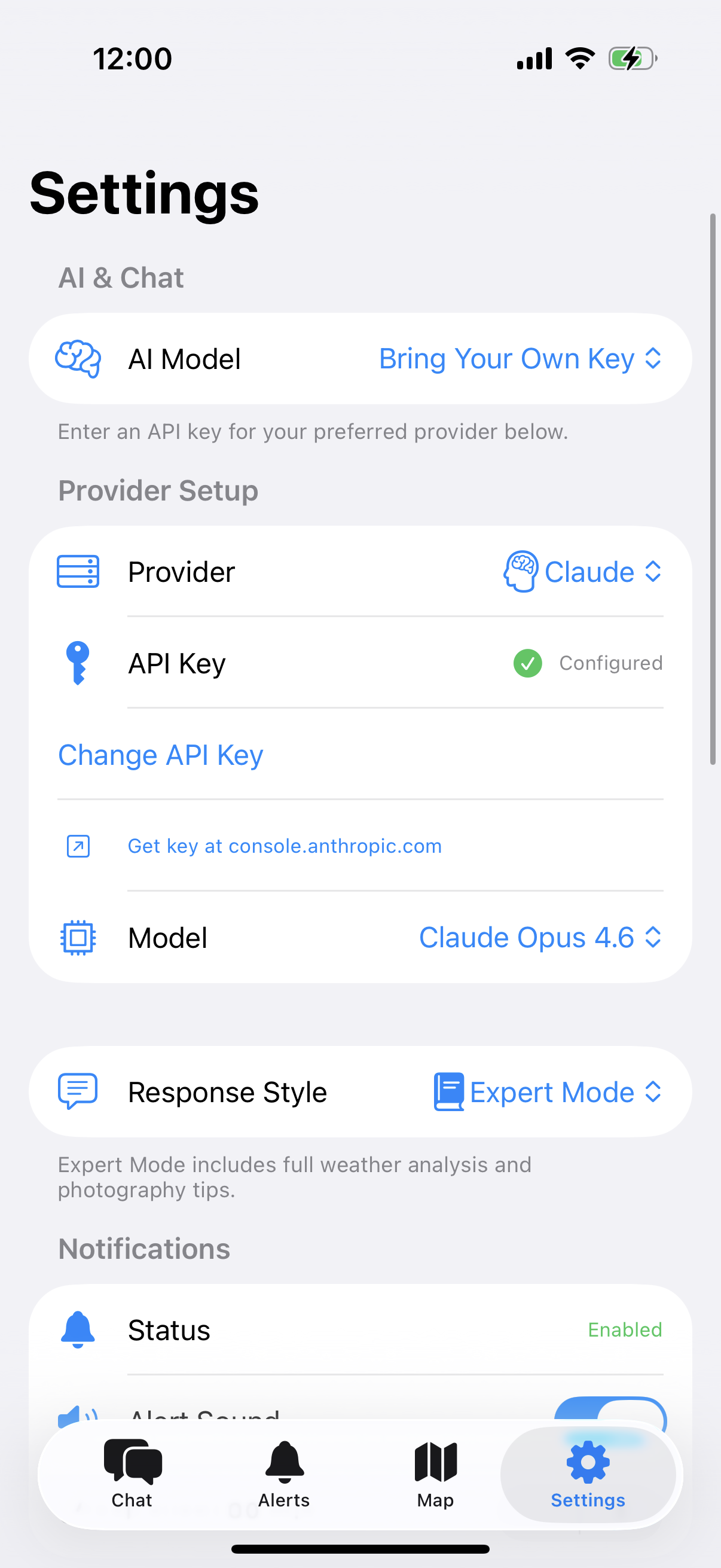
Ask an AI assistant about shooting conditions in plain language. The built-in AI is included — try free for 14 days, then $4.99/year. Or bring your own key for Claude, Gemini, or ChatGPT.

🌍

Directional Cloud Analysis

The AI analyses wind direction and cloud movement to predict where the most dramatic skies will form relative to your position.

📡

Multi-Source Weather

Cross-references multiple forecast models (HRRR, ICON-D2, ICON-EU) with real-time METAR observations. When models disagree, the AI flags it.
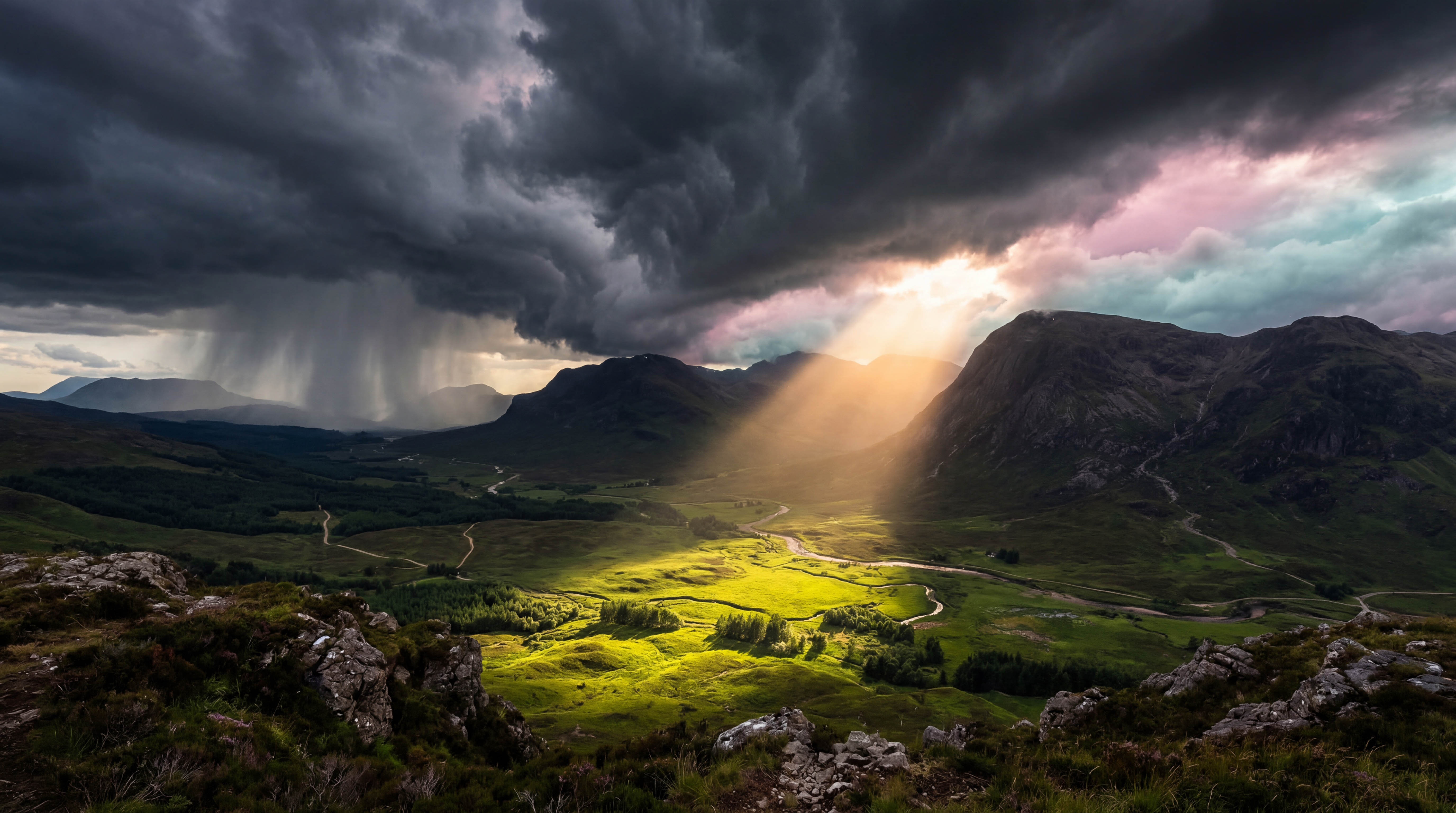
Dramatic beam of golden light breaking through storm clouds over a mountain valley

Real-Time Condition Detection

Golden hour, dramatic skies, fog, aurora — Inverza detects 12+ photo conditions and shows you exactly when they align.

🏷

Condition Badges

At-a-glance badges tell you when golden hour, dramatic skies, fog, storm light, or clear-sky astro conditions are forecast — so you never miss an opportunity.

Terrain Shadow Map

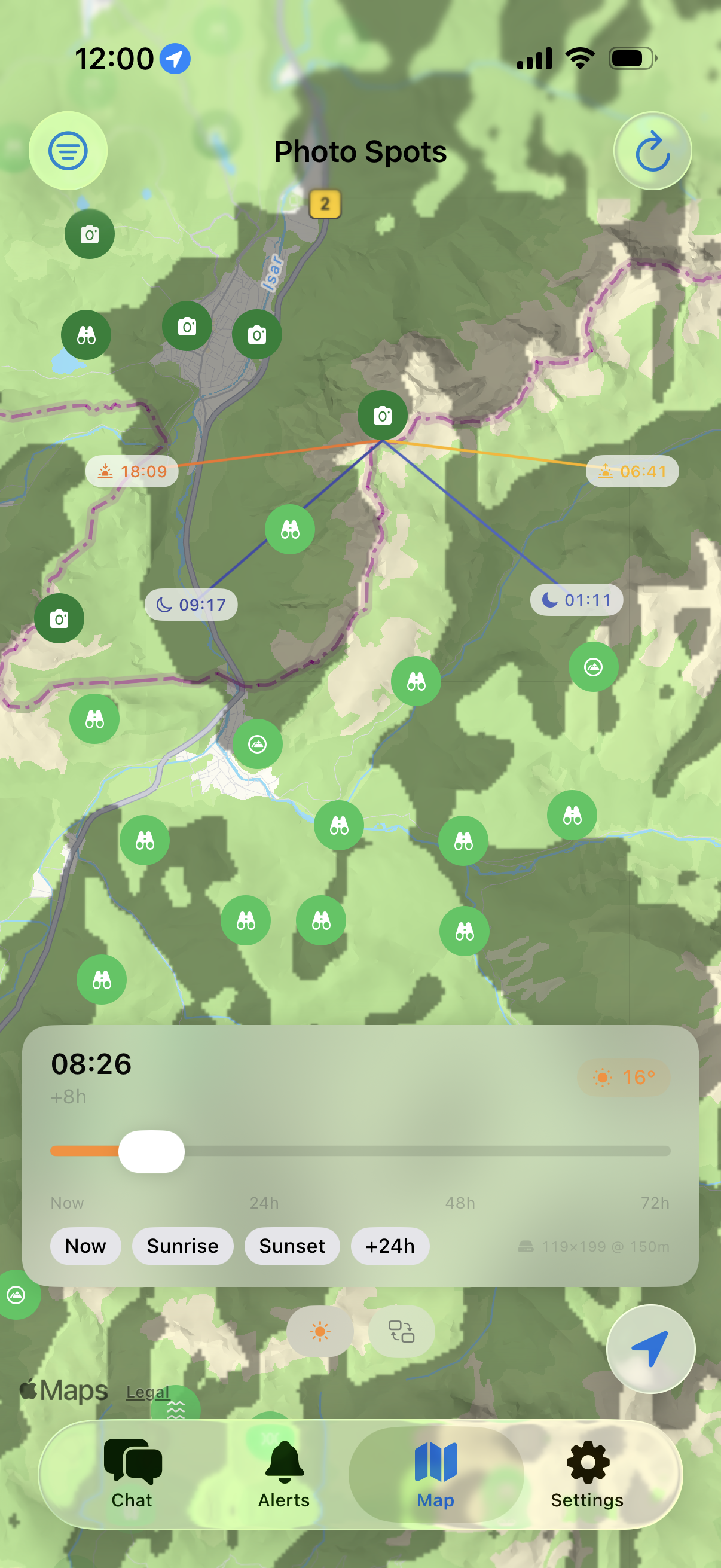
Visualise where mountain shadows fall at any time. Scrub from now to 30 hours ahead with quick jumps to sunrise and sunset.

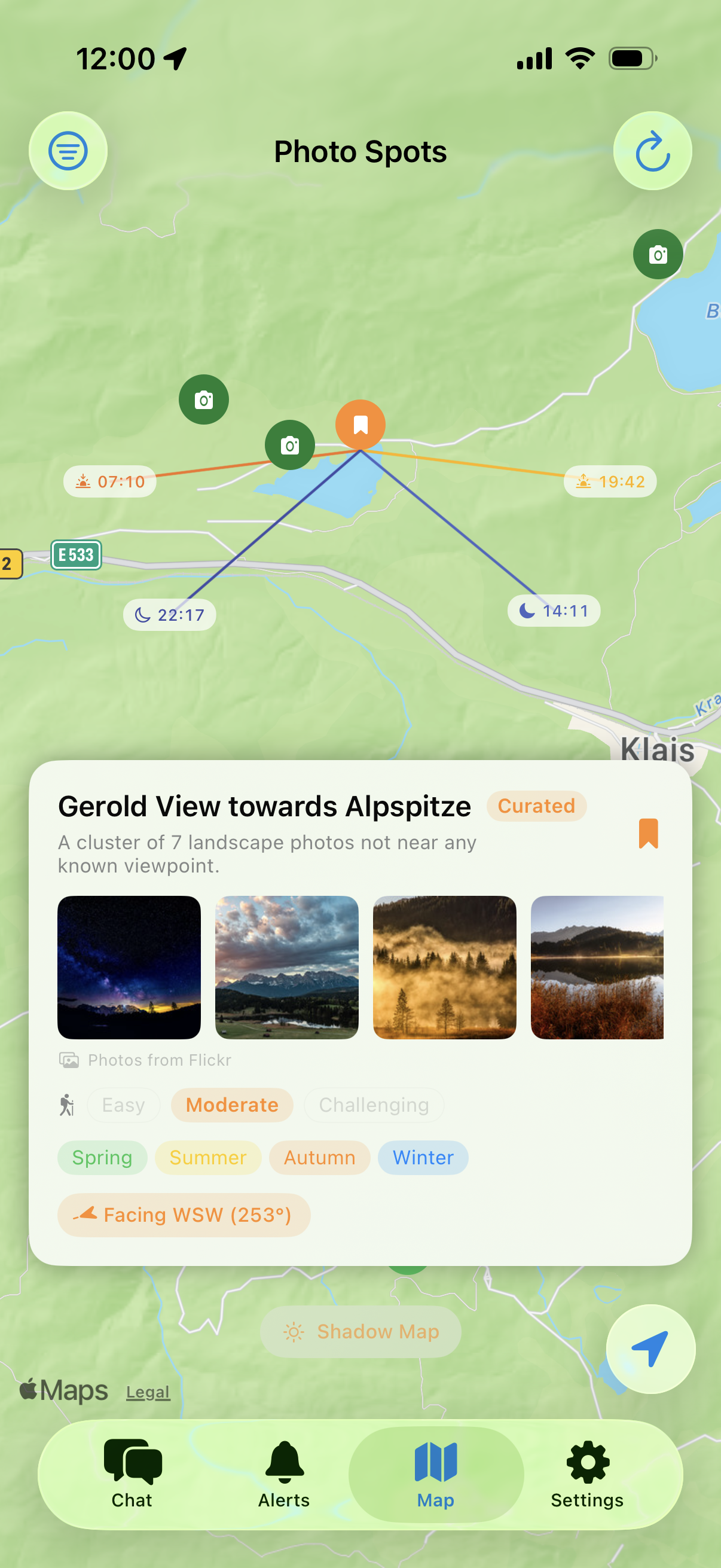
Sun & Moon Direction Lines

Select any pin on the map to see sunrise, sunset, moonrise, and moonset direction lines with exact times.

Northern lights dancing in teal and pink over snow-capped mountains reflected in a frozen lake

Spot Discovery & Alerts

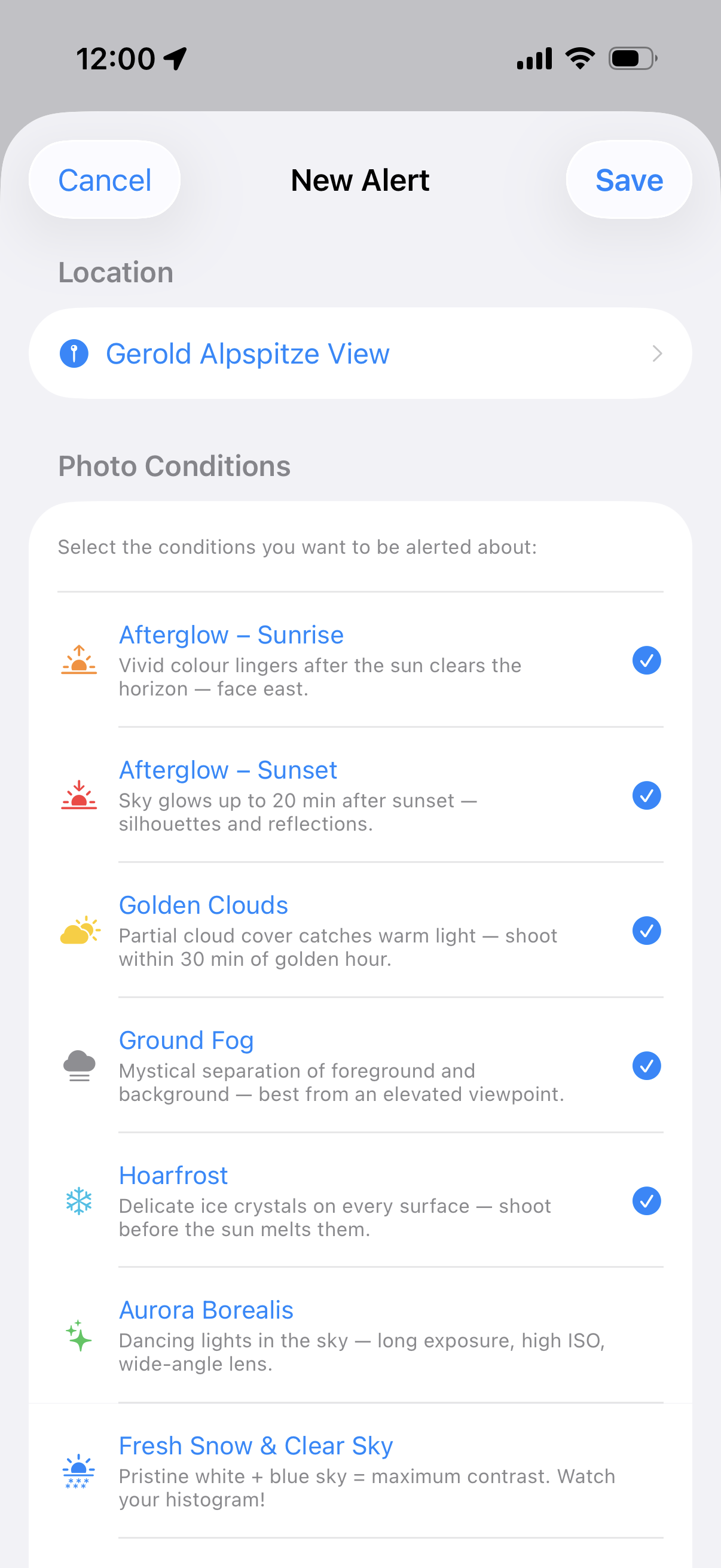
Find the best locations, get notified when rare conditions align — afterglow, ground fog, aurora, Milky Way visibility, and more.

🗺

Interactive Photo Map

Discover photography spots from OpenStreetMap viewpoints, save your own curated locations, and explore Flickr photography hotspots — all on one map.

🔥

Photo Hotspots

Flickr photo density scores every viewpoint — popular spots glow dark green. Hidden clusters of landscape photos appear as camera icons on the map.

🧭

Viewing Direction & Compass

Set which direction a spot faces — point your phone to capture the heading. The AI knows whether sunrise or sunset will be in your field of view.

📷

Flickr & Wikimedia Photos

See real photos of any spot from Flickr and Wikimedia Commons. Flickr works out of the box — or bring your own Pro key.

📤

Share Individual Spots

Share any spot via Messages, email, or any app. Includes an Apple Maps link and a one-tap import deep link.

📊

Condition History

Track which photo conditions appear most often at each location, broken down by season. The AI uses this data for smarter recommendations.

🌐

Multi-Language Support

Use Inverza in English, German, French, Spanish, or Italian. Switch languages instantly in Settings.

🛠

Diagnostics & Offline Mode

Built-in diagnostic screen shows background check status, cache usage, and network health. Cached data keeps the app usable offline.
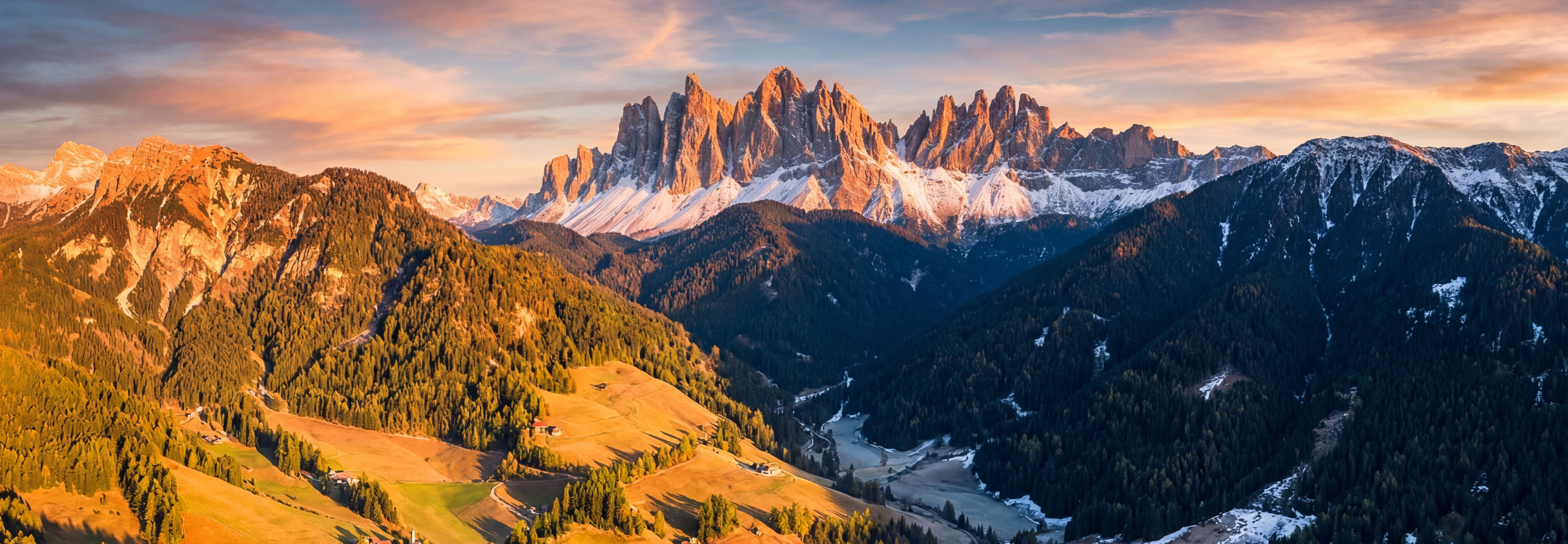
Aerial view of dramatic mountain shadows across a valley at golden hour

From forecast to photograph in three steps

1

Find Your Spot

Browse OSM viewpoints, Flickr hotspots, or save your own favourite locations on the interactive map.

2

Check Conditions

Condition badges instantly show when golden hour, fog, or dramatic skies are forecast. Tap any badge for details.

3

Ask the AI

Chat with the AI about your specific spot. It considers weather, viewing direction, and time to give tailored advice.

Your data stays on your device

Inverza has no backend server, no accounts, and no tracking. Here's exactly how your data is handled.

Information the App Uses

  • Location: Sent directly to Open-Meteo (weather) and Overpass API (map data) to fetch forecasts and nearby spots. Never stored on any server we operate.
  • Compass heading: Read locally when using the viewing direction feature. Never leaves your device.
  • API keys: The app includes a built-in AI model and Flickr key. If you bring your own, keys are stored in iOS Keychain and sent only to the provider. We never see them.
  • AI chat messages: Sent directly from your device to the AI provider. No proxy server, no logging.

Data Storage

All data — saved spots, preferences, API keys — lives on your device. Delete the app and everything is removed. No cloud sync, no accounts.

Third-Party Services

  • Open-Meteo — Weather forecasts (receives coordinates)
  • Overpass API — OpenStreetMap data (receives map region)
  • Open-Meteo Elevation API — Terrain elevation grid (receives coordinates)
  • NASA SRTM — High-resolution elevation tiles (receives tile coordinates)
  • Flickr — Photos and hotspots (receives coordinates)
  • Wikimedia Commons — Spot photos (receives coordinates)
  • AI providers — Chat responses (receives your question + weather context)

Analytics & Tracking

None. No analytics SDKs, no crash reporting, no advertising frameworks, no tracking pixels.

Your Rights (GDPR)

If you are in the EU/EEA, you have the right to access, correct, delete, and port your data. Use the Export/Import feature for data portability.
Read the full GDPR-compliant privacy policy →

Frequently Asked Questions

No API key is needed. The AI chat works out of the box using Gemini 3.1 Flash Lite. Flickr photos also work with a built-in key. If you want more powerful AI models (Claude, Gemini Pro, or ChatGPT), switch to "Bring Your Own Key" in Settings.
If you choose "Bring Your Own Key" in Settings, each provider offers API keys through their developer platforms. Links are provided directly in the app. Most providers offer a free tier that is sufficient for personal use. If you prefer not to set up an API key, the built-in Gemini 3.1 Flash Lite model works without any configuration.
Inverza has no backend server. Your location goes directly to Open-Meteo and Overpass API. AI messages go directly to the provider. Your API keys and saved spots stay on your device.
When you save a spot, you can set the direction it faces. The AI then knows whether sunrise or sunset will be in your field of view and gives more specific advice.
Inverza blends multiple weather sources for more accurate predictions. Forecasts come from Open-Meteo, which provides access to several models including high-resolution regional ones (HRRR for North America, ICON-D2 and ICON-EU for Europe) with up to 15-minute resolution. Real-time ground observations come from the NOAA Aviation Weather API (METAR data from airport stations). The AI compares all these sources and tells you when they agree, disagree, or when reality differs from the forecast.
The app downloads NASA SRTM elevation data and uses ray marching to calculate which areas are blocked from sunlight by surrounding mountains. Scrub from now up to 30 hours ahead, with quick-jump to sunrise and sunset.
Inverza is free to try for 14 days with full access to every feature. After the trial, it's $4.99/year (less than a cup of good coffee). Your subscription covers the built-in AI model, the Flickr API, and ongoing maintenance. All features included — no tiers, no paywalls. Cancel anytime.
Yes. Share a single spot from the map (includes Apple Maps link + one-tap import), or go to Settings → Export / Import Spots for bulk backup.
All data is stored locally on your device. Deleting the app removes everything.
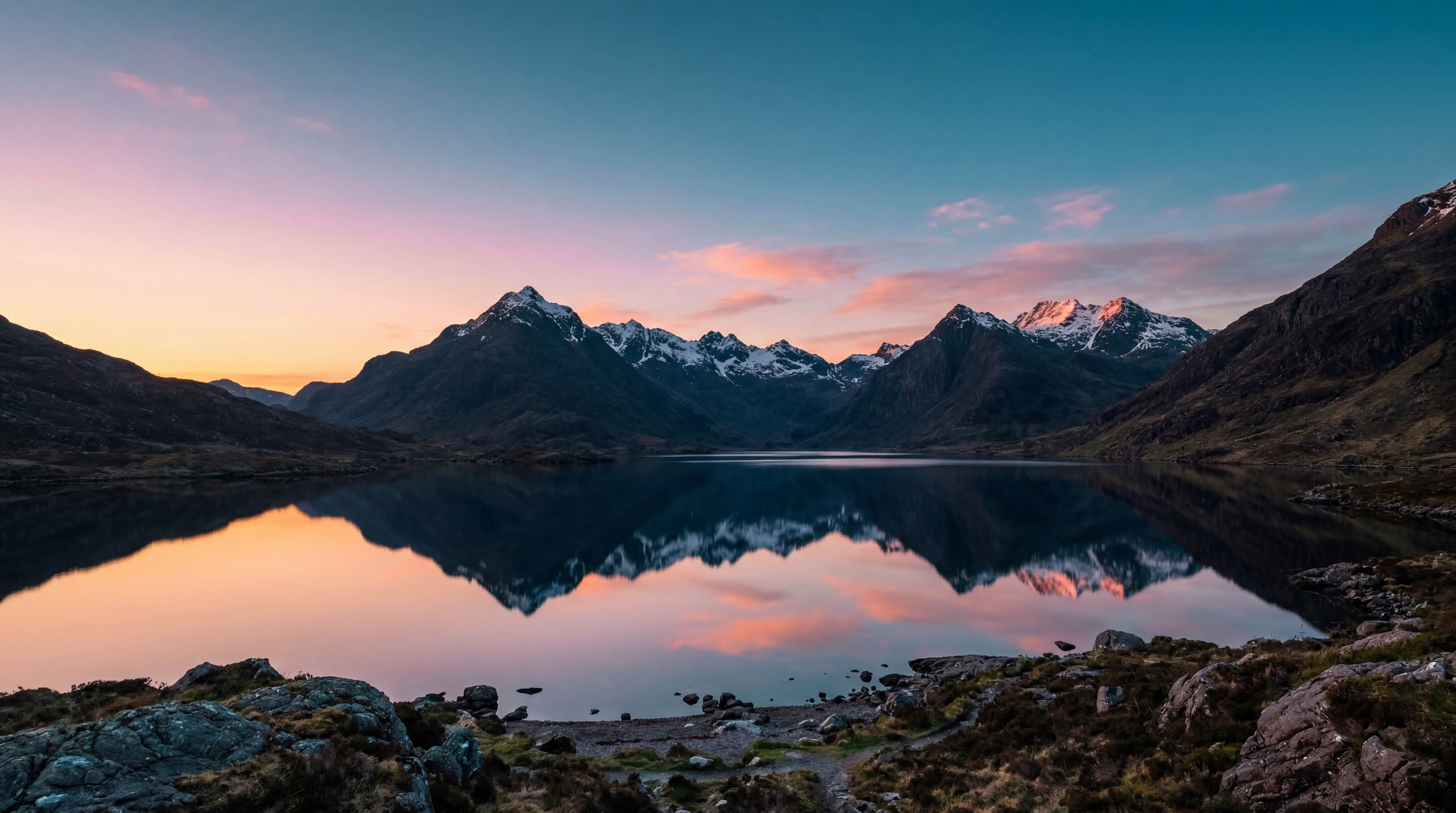
Serene mountain lake at blue hour

Ready to chase the light?

Start planning your next landscape shoot today. Try free for 14 days, then just $4.99/year.

Download on the App Store

14 days free · $4.99/year · Cancel anytime